Mabel

Role
UI Designer
Client
Mabel
Year
2026
Type of work
Mobile appUI designAI
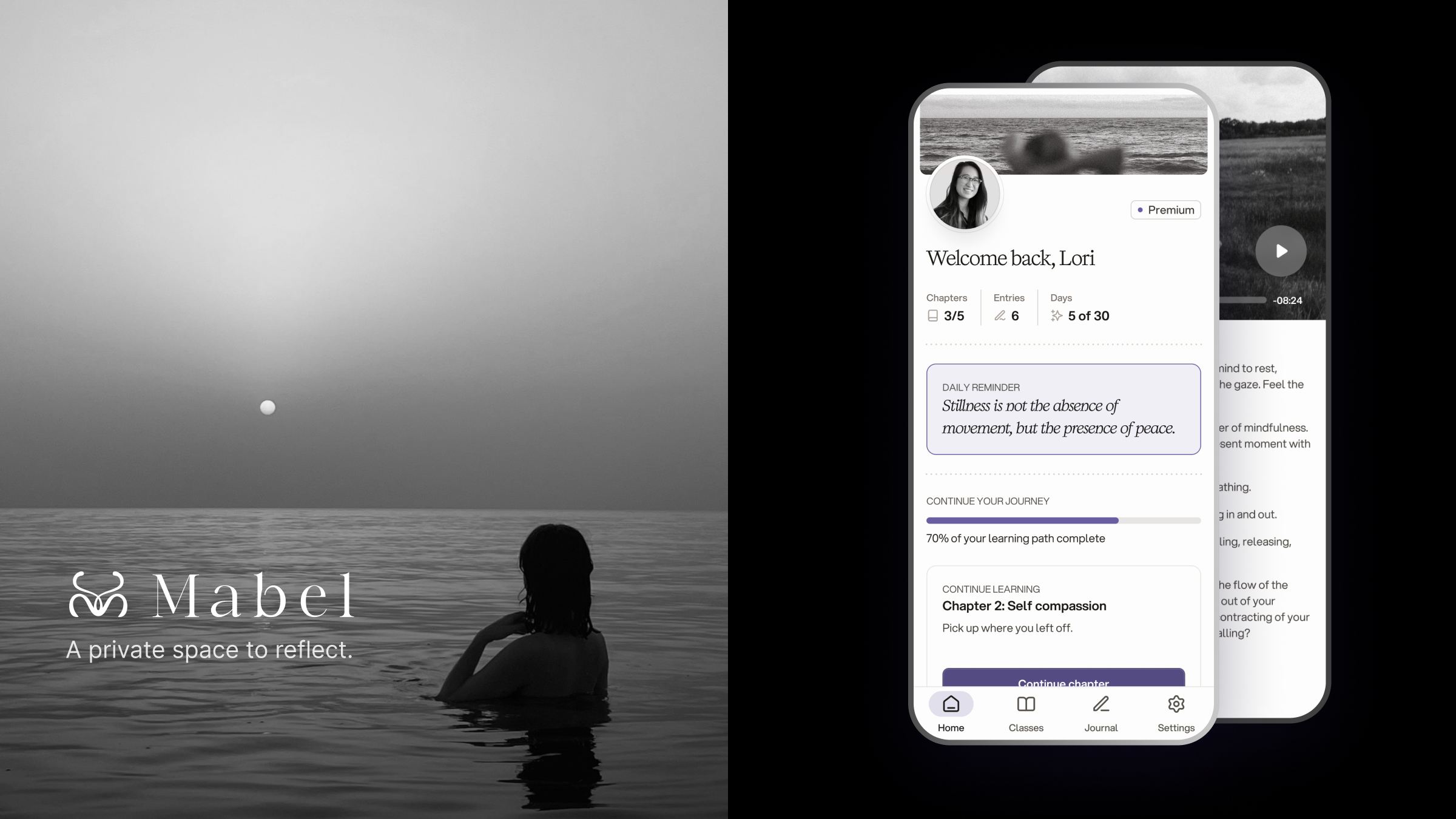
Mabel cover: the Mabel logo and the tagline A private space to reflect over a black and white photo of a woman in the sea, beside two phones on a black background showing the home screen and a meditation page

Overview

Mabel sells microdosing mushrooms. Everyone who buys them gets access to a companion app: a private space with guided meditation classes, audio chapters and a personal journal to accompany them through the program.

Problem

Microdosing is a personal, often introspective experience, and people had no structured way to follow a program, reflect on what they were feeling, or notice how their mood was changing over time.

The app needed to guide them gently, day by day, and offer insight into their emotional state without ever making that writing feel exposed.

Process

I started by mapping the whole app in a user flow: first-time onboarding with a baseline survey, a home screen that tracks progress through the 30-day program, classes split into meditations and chapters, a timestamped journal, and settings. The flow also marked what belonged to the MVP and what was reserved for premium users.
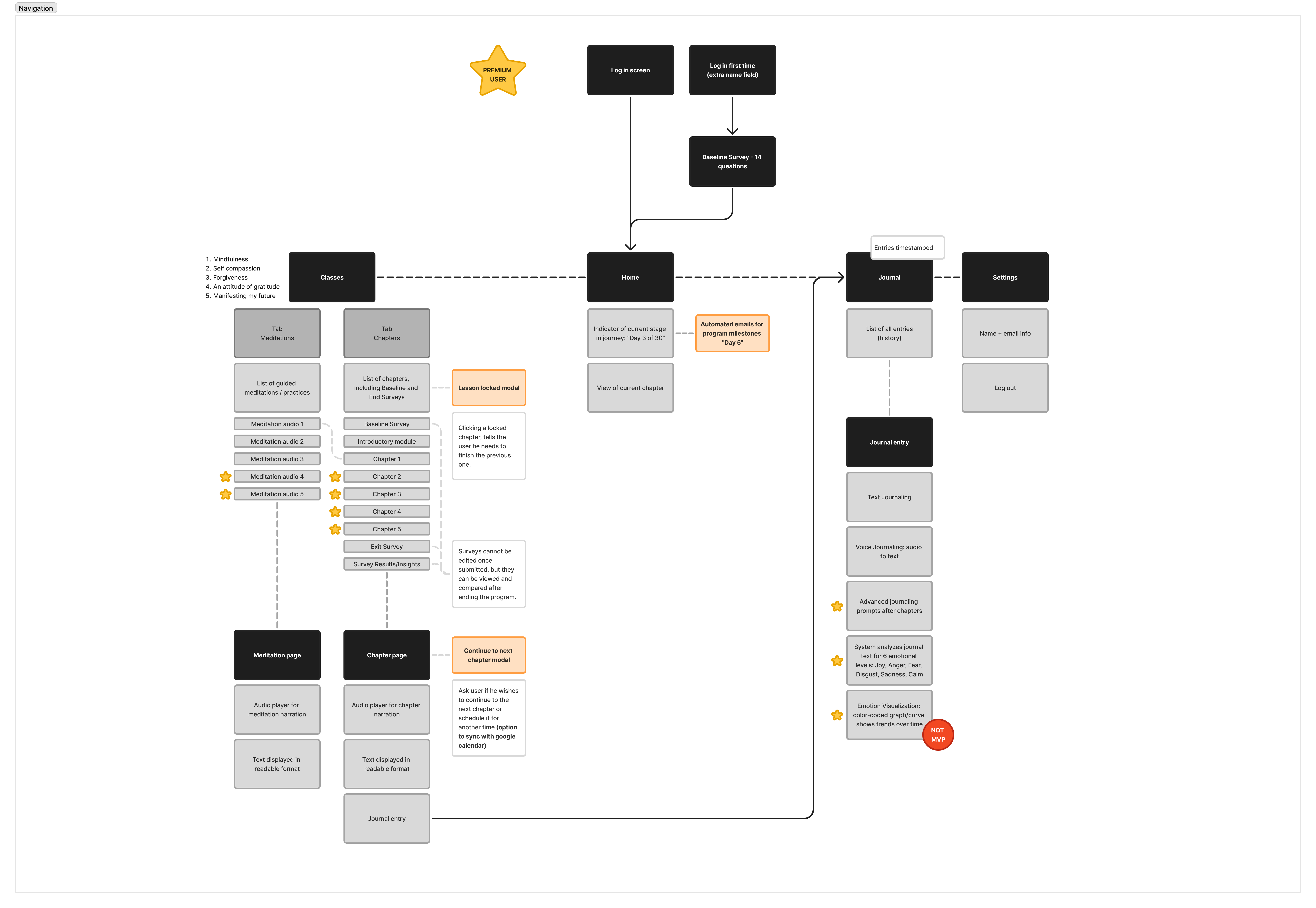
Mabel app user flow diagram connecting log in, baseline survey, home, classes, journal and settings, with premium-only features starred (opens full size in a new tab)

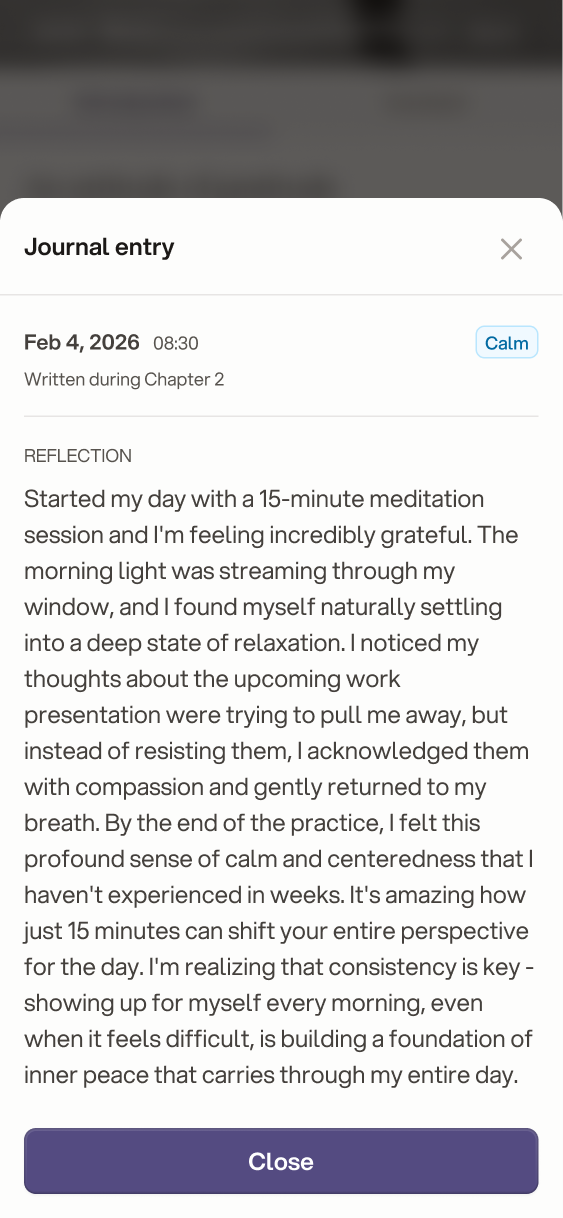
The journal is the heart of the app. Users write or dictate how they feel, and AI reads each entry to detect their mood: joy, anger, fear, disgust, sadness or calm. The result is shown only to them, as a small tag on each entry, so they can see patterns and get guidance without anyone else reading their thoughts.

Journal
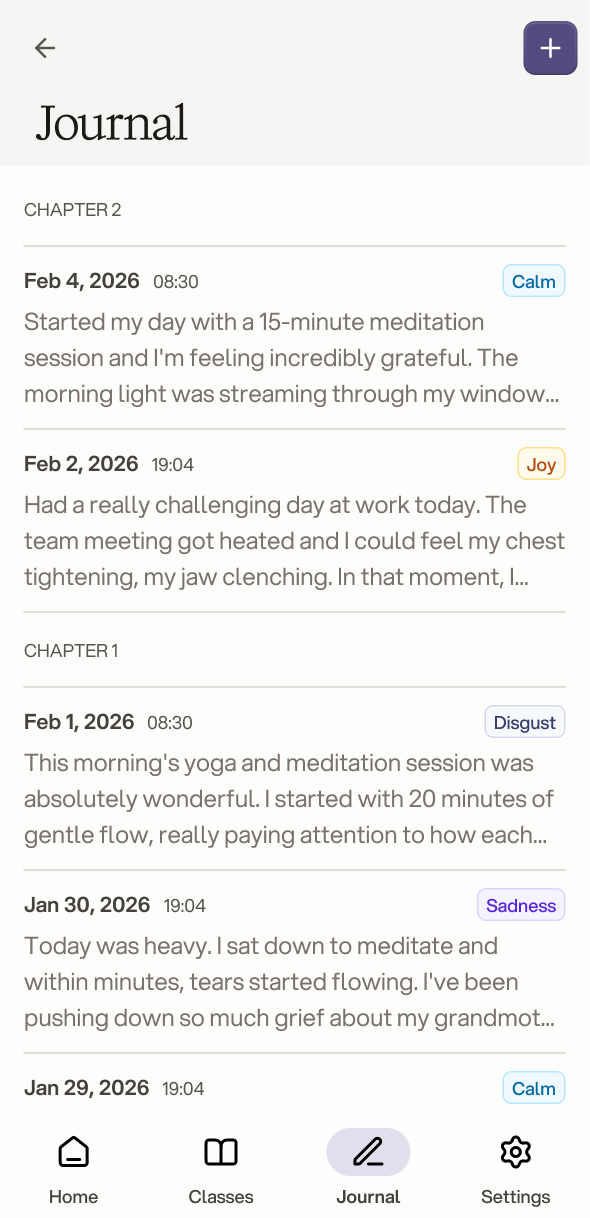
Journal list with entries grouped by chapter, each tagged with a detected mood such as Calm, Joy or Sadness Open journal entry showing the full reflection, the date, the chapter it was written in and a Calm mood tag New journal entry sheet asking How do you feel, with a microphone button for voice journaling

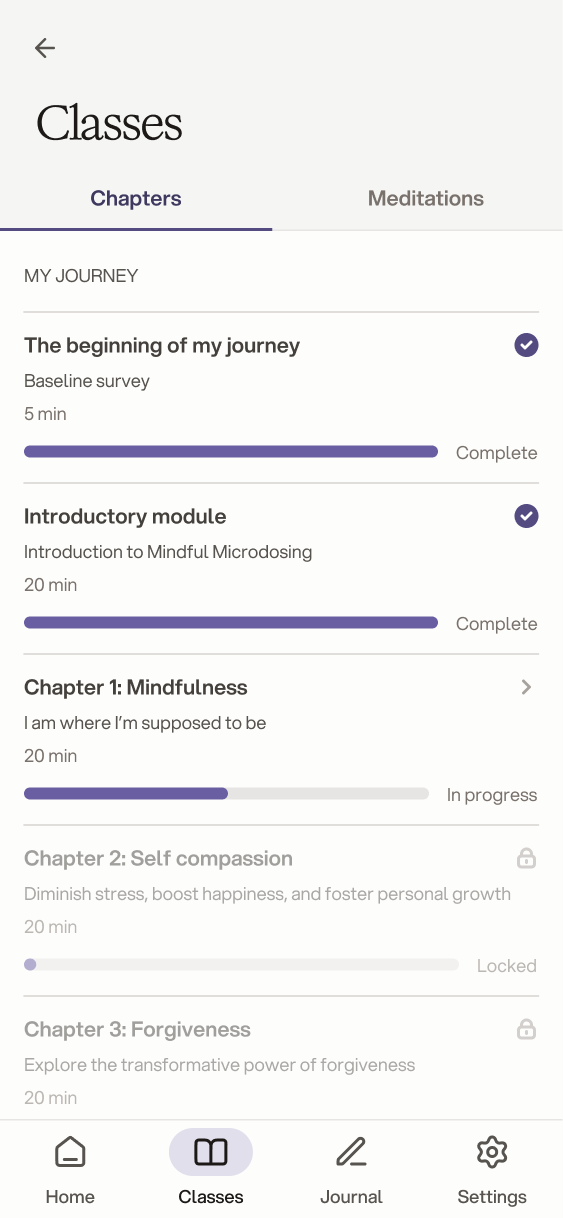
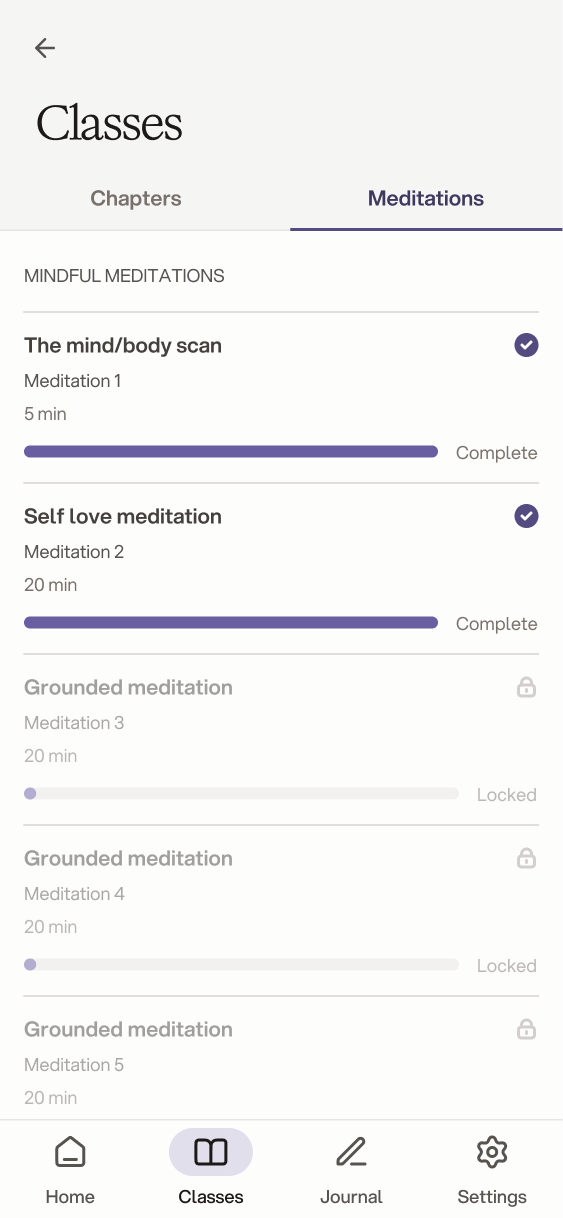
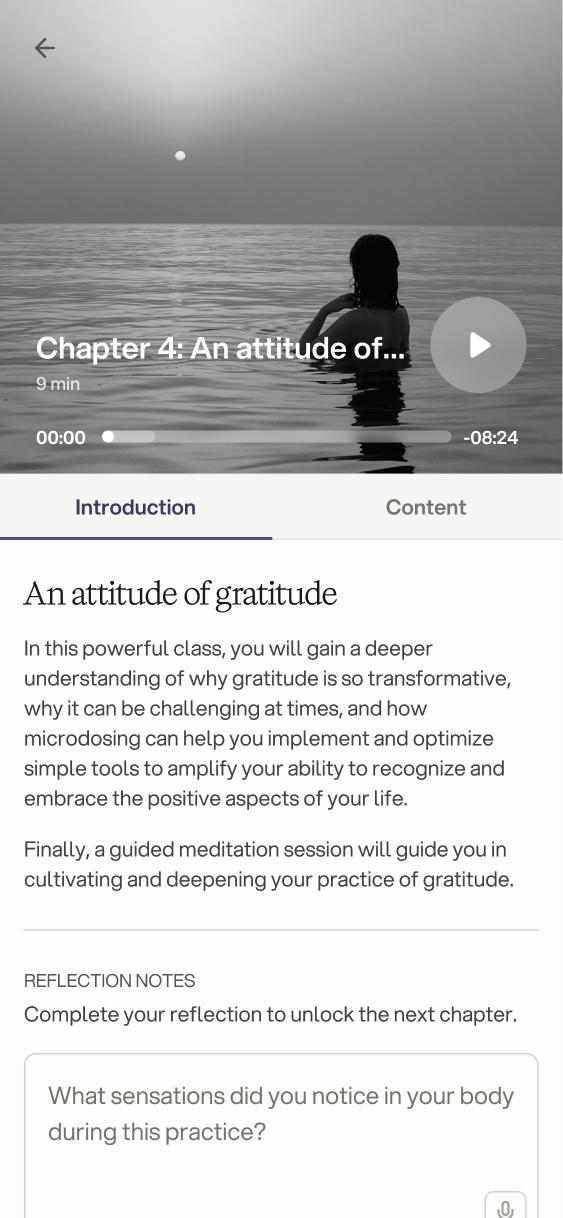
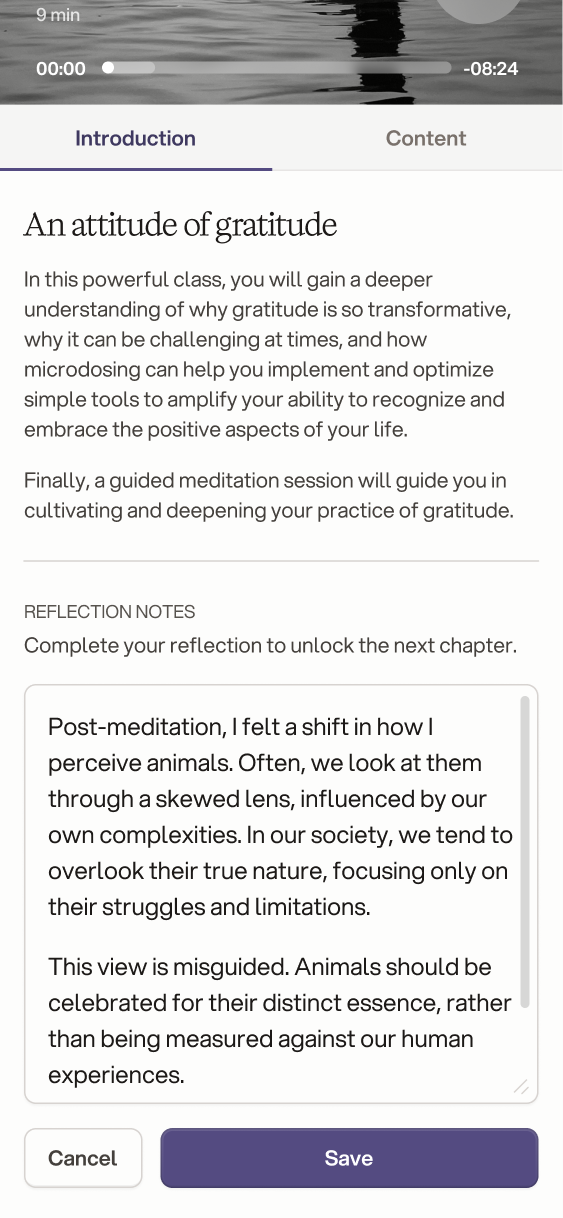
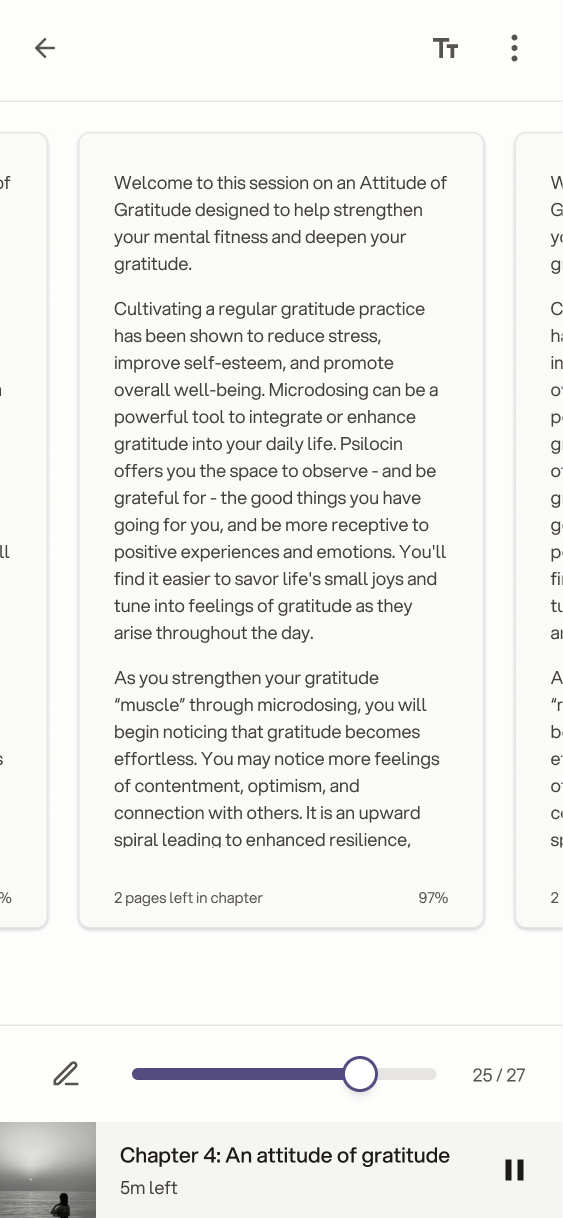
The program is built from chapters that unlock in order, each one with audio narration and a reflection to complete before moving on. Guided meditations sit alongside them as a library people can return to anytime.

Home and classes
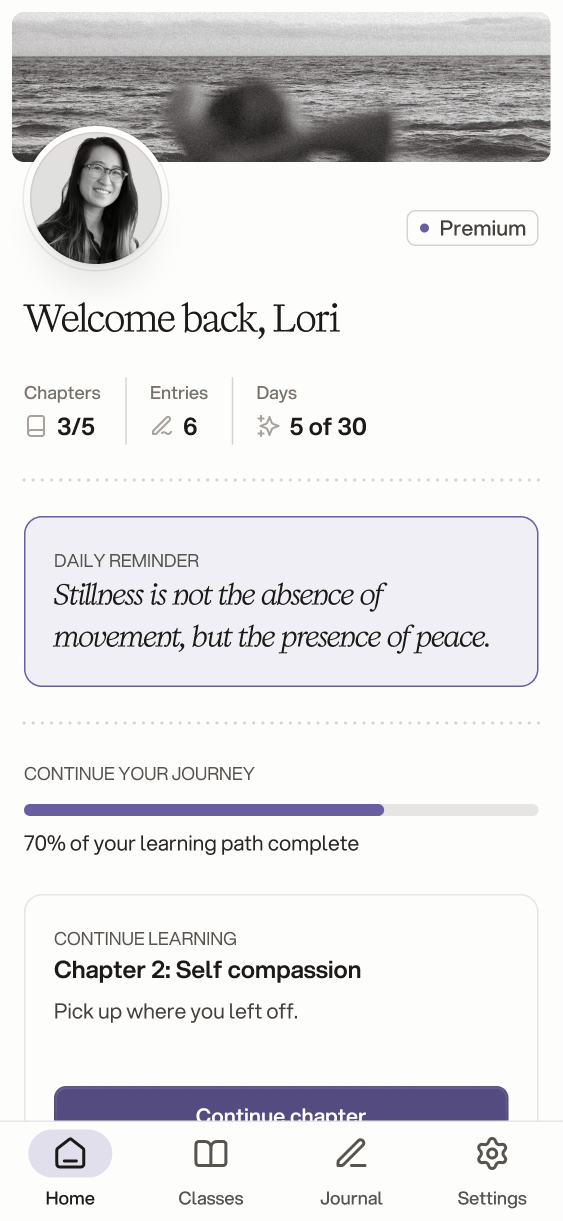
Home screen welcoming the user back, with chapters, entries and day counters, a daily reminder and progress through the learning path Classes screen on the Chapters tab, listing the program chapters and surveys Classes screen on the Meditations tab, listing guided meditations

Chapters and meditations

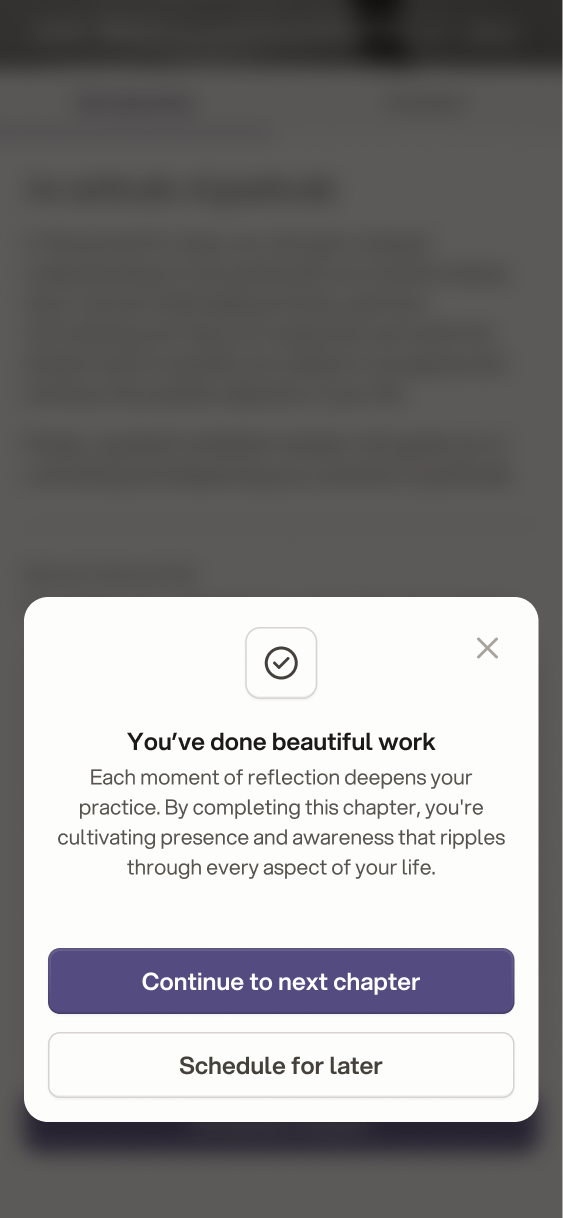
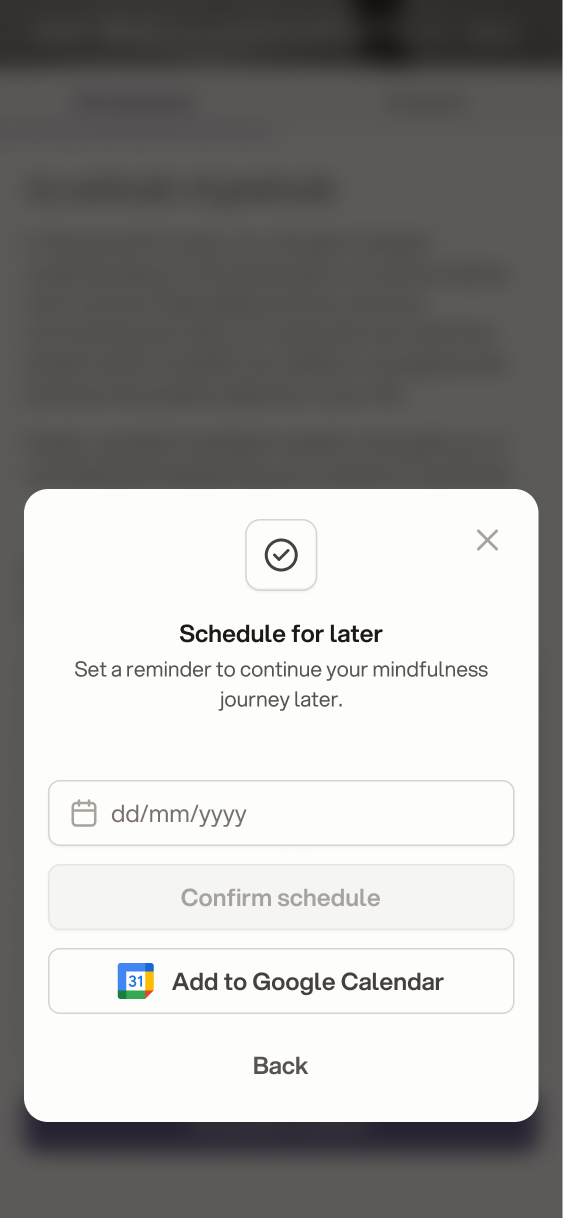
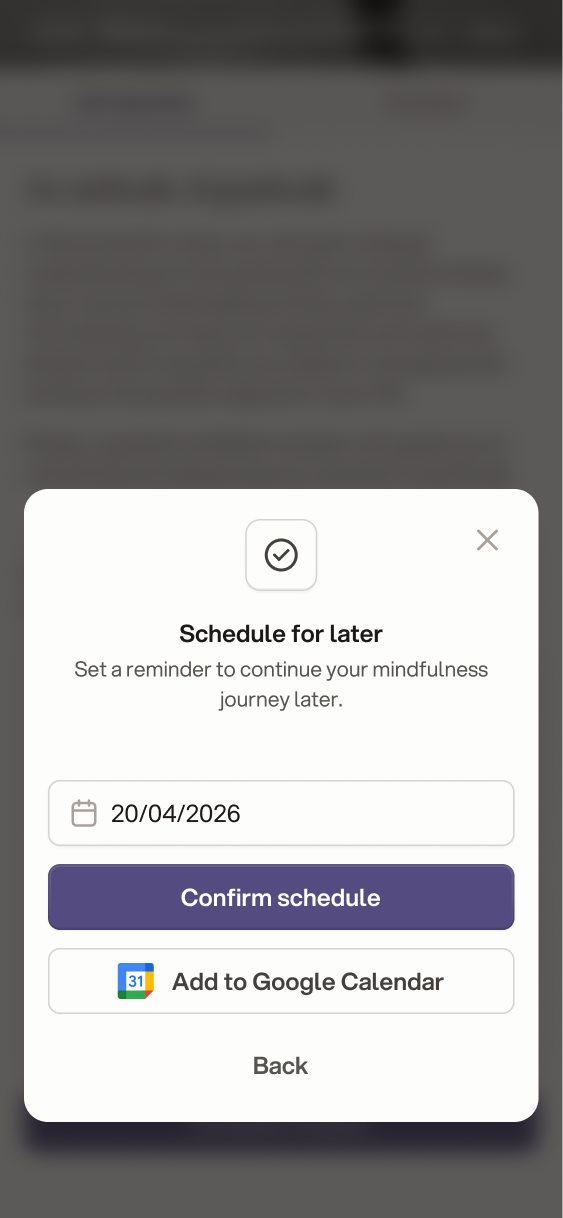
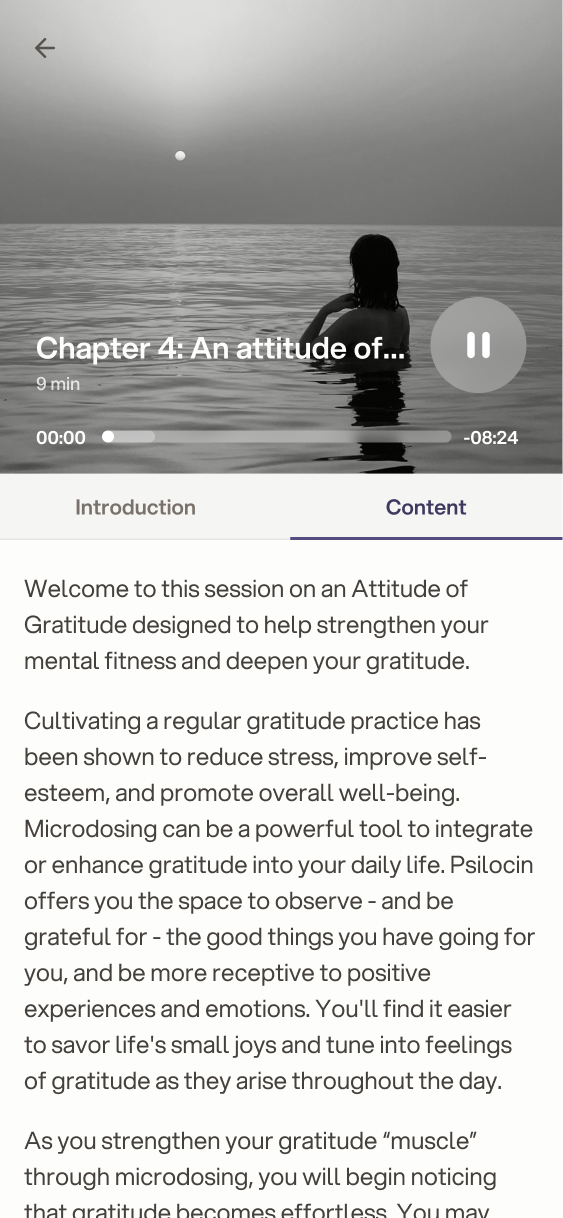
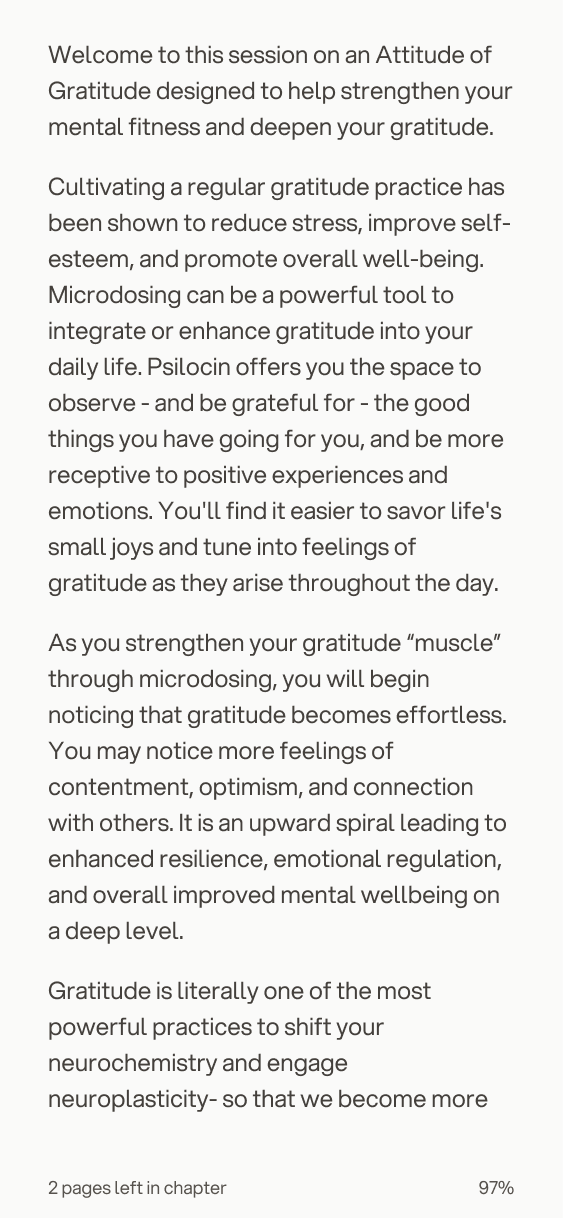
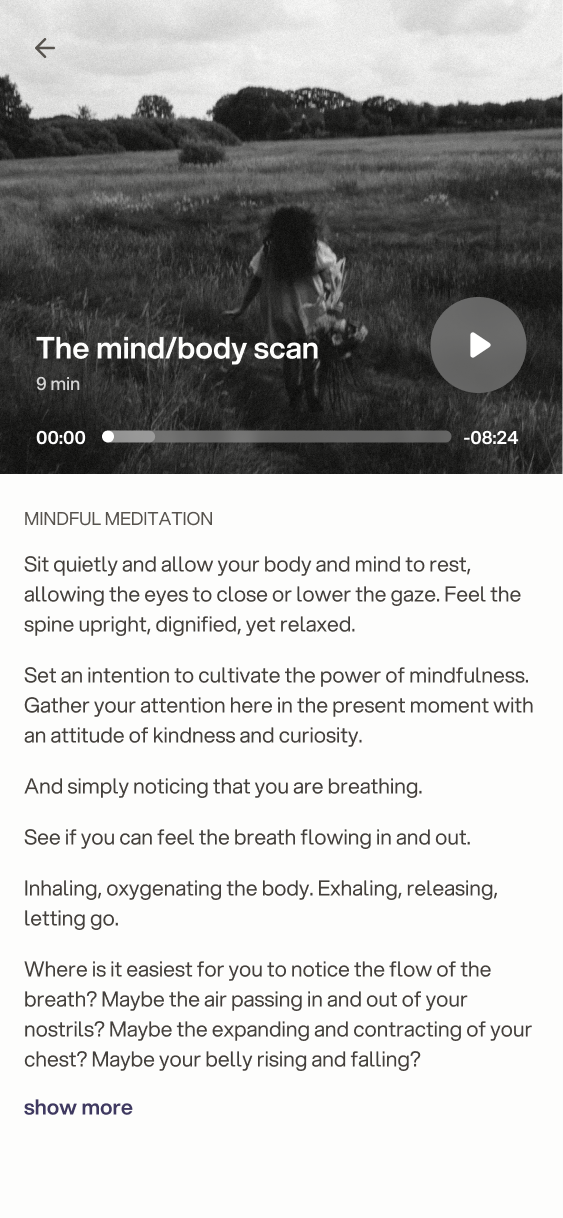
Chapter 4, An attitude of gratitude, with an audio player, an introduction and a reflection note required to unlock the next chapter Chapter 4 reflection note filled in, with the Save button enabled Chapter 4 content as swipeable reading cards, with a progress slider and a mini audio player Completion modal after a chapter, with options to continue to the next chapter or schedule it for later Schedule for later modal with an empty date field and an option to add it to Google Calendar Schedule for later modal with a date chosen and the Confirm schedule button enabled Chapter 4 Content tab playing the audio narration, with the chapter text below Chapter text in reading view, showing two pages left in the chapter The mind/body scan meditation with an audio player and the narration as readable text

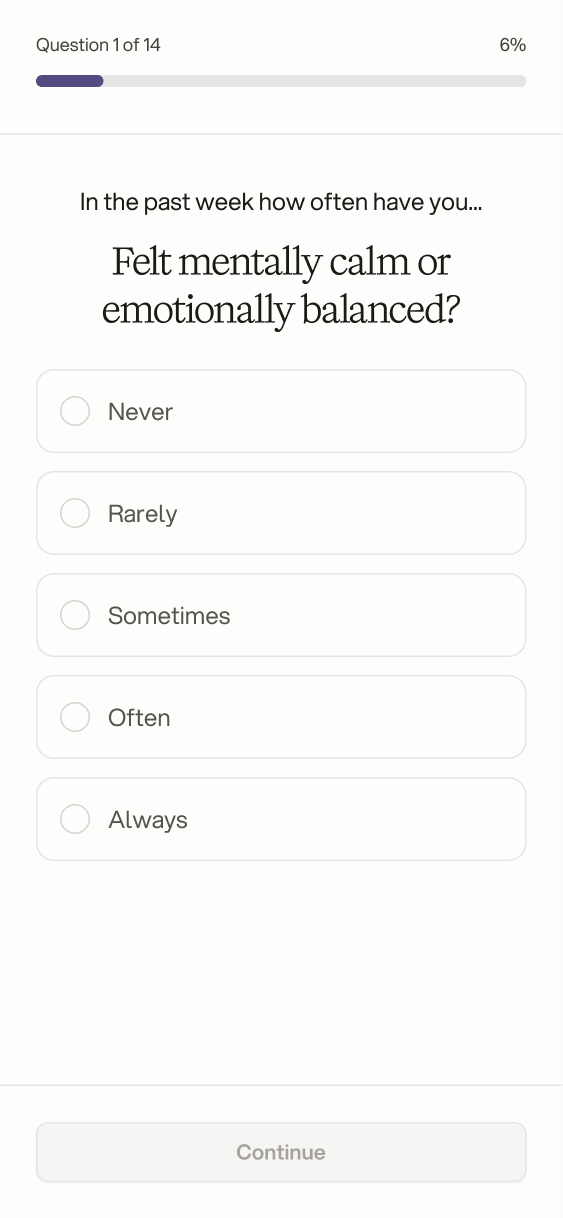
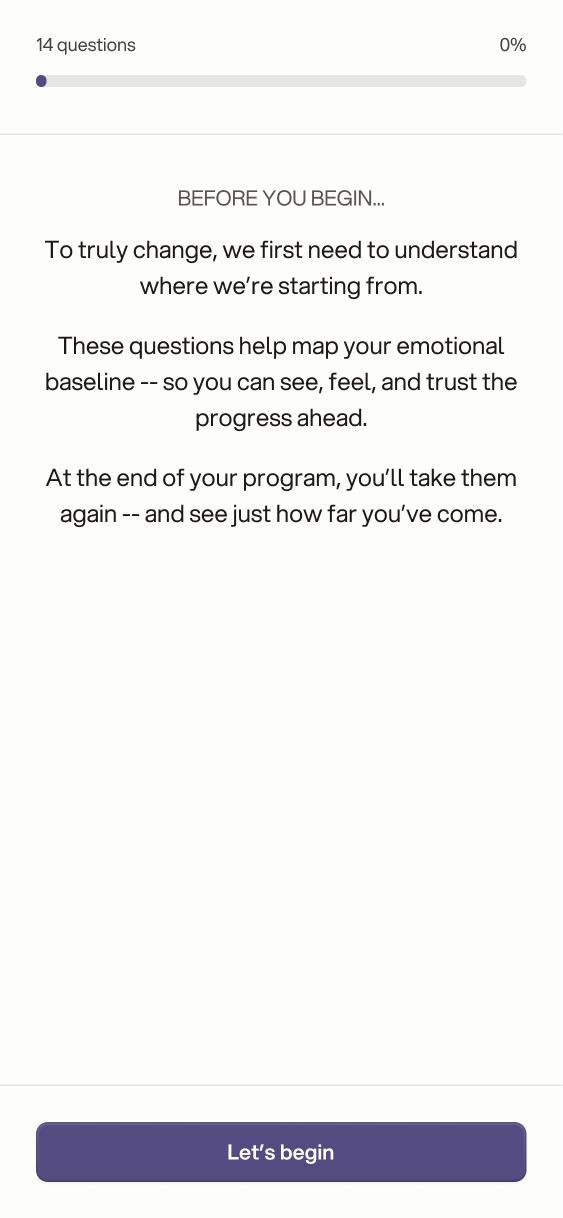
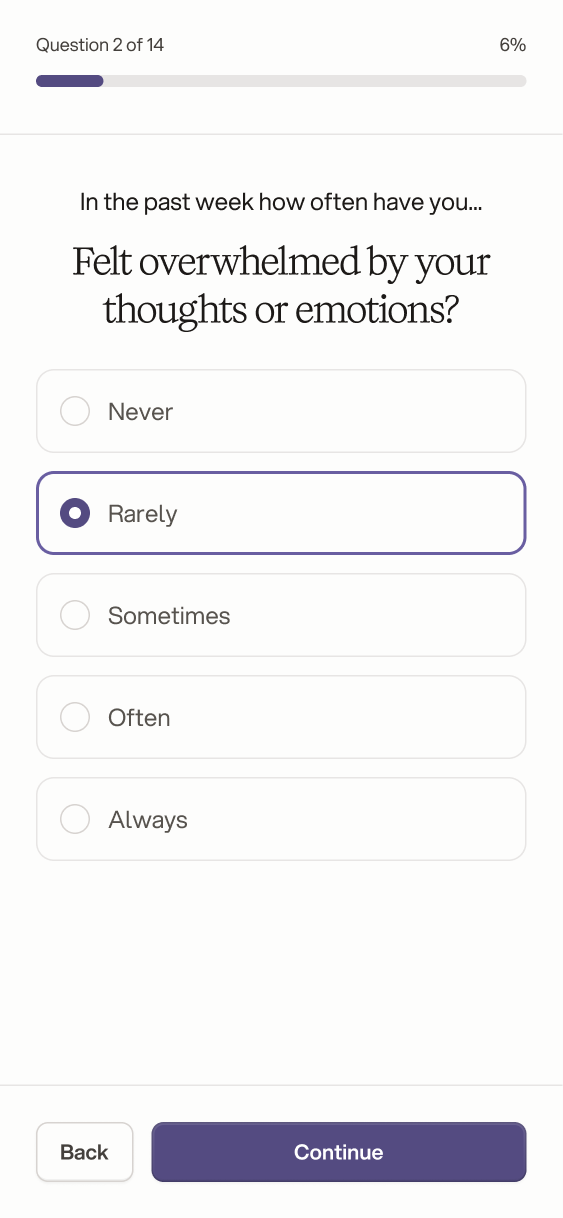
Onboarding stays short: an account, then a 14-question baseline survey that gives the program, and the user, a starting point to compare against at the end.

Onboarding and settings
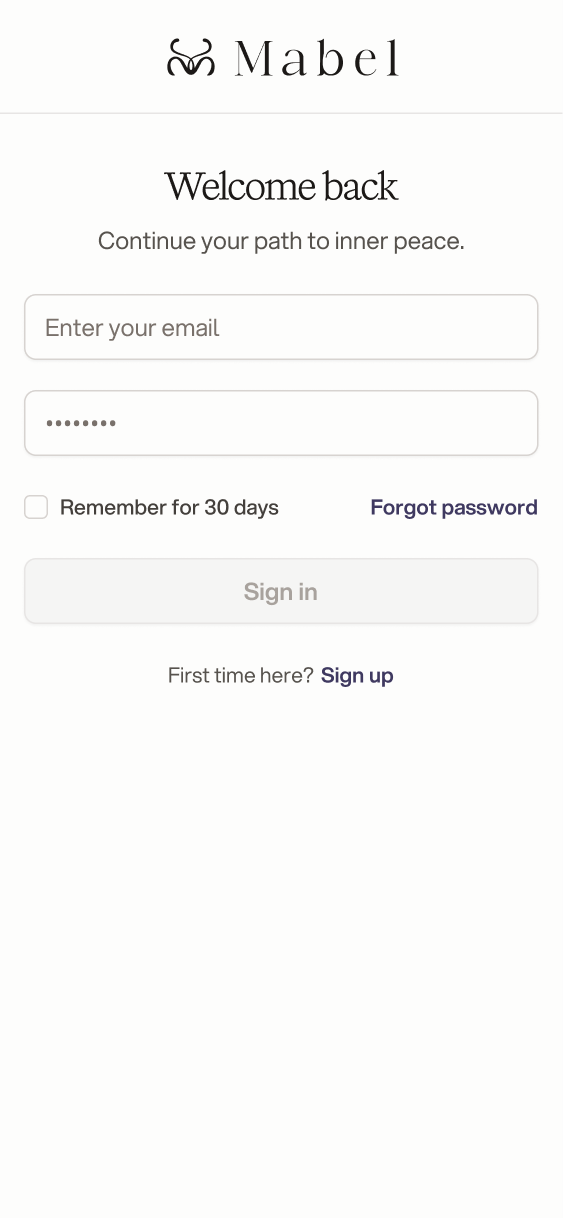
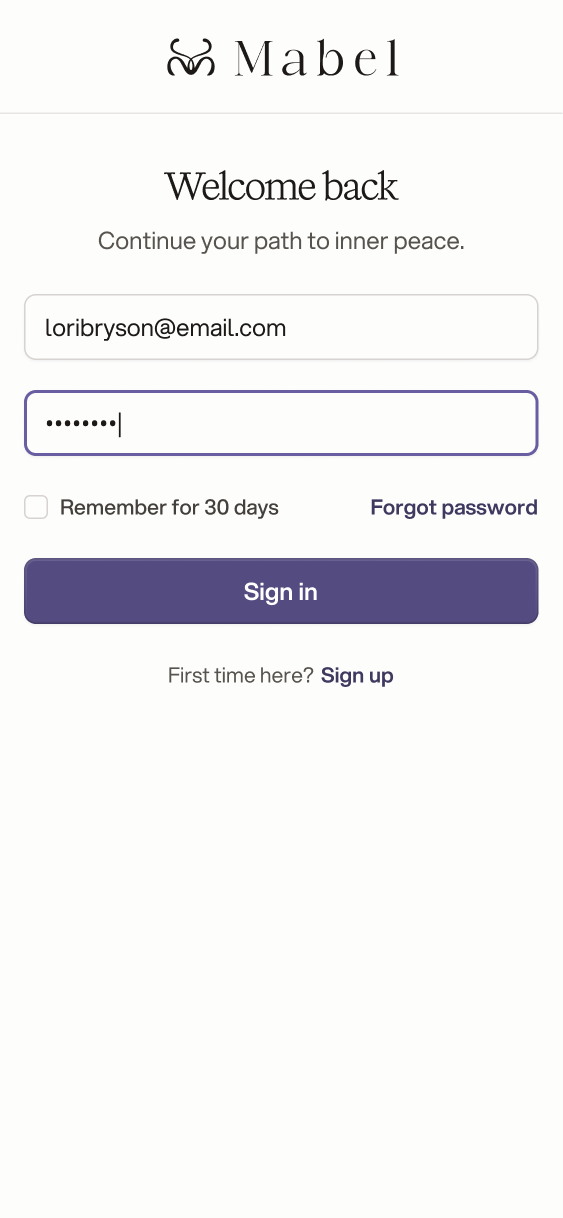
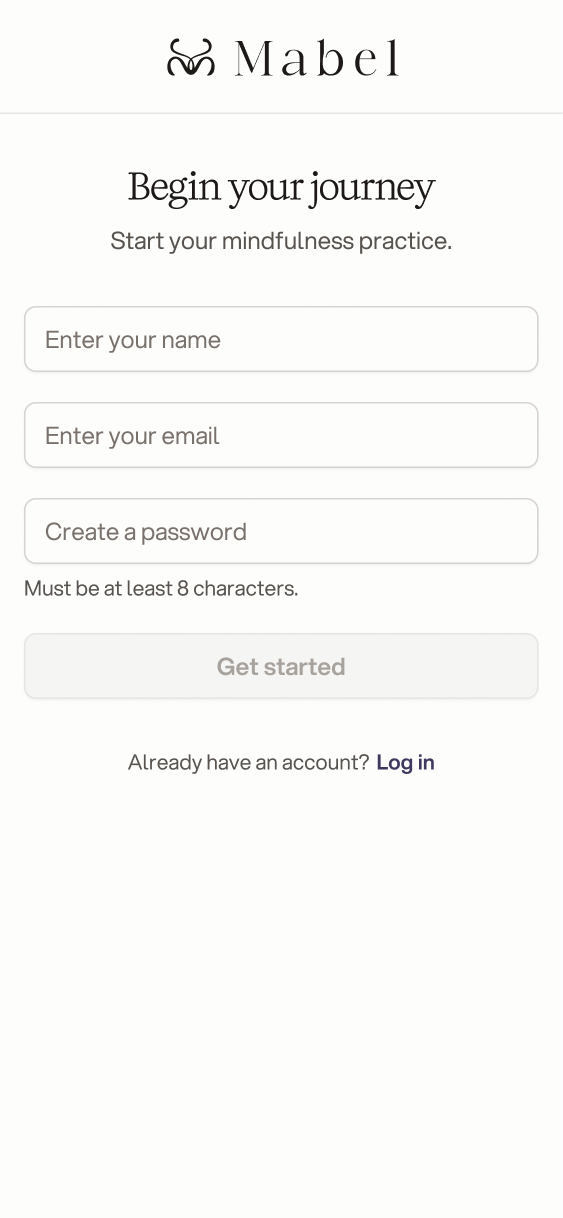
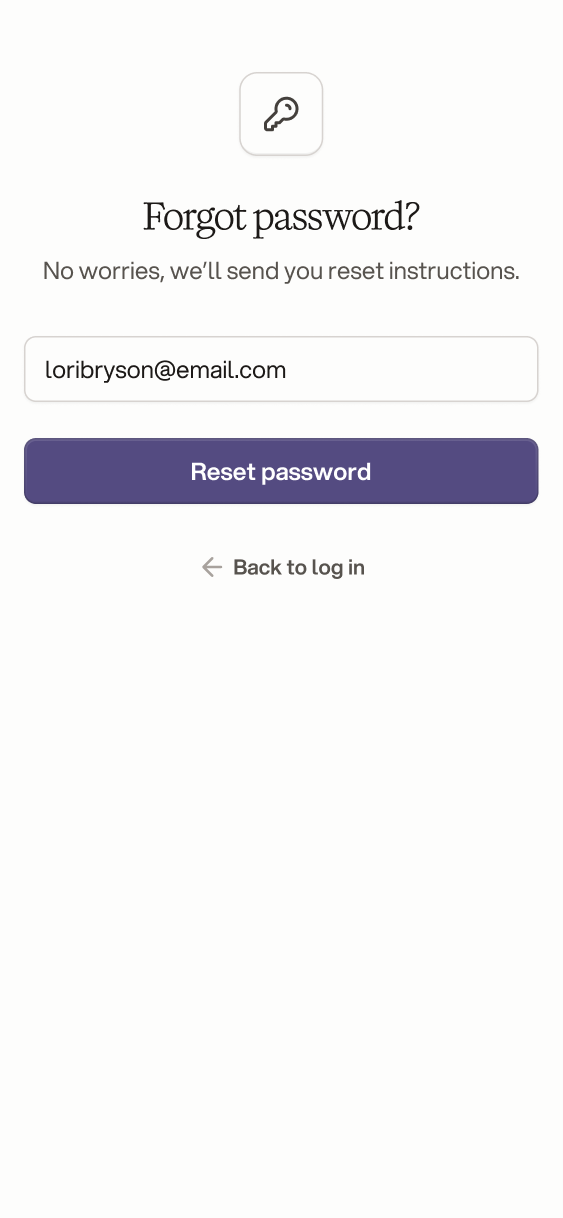
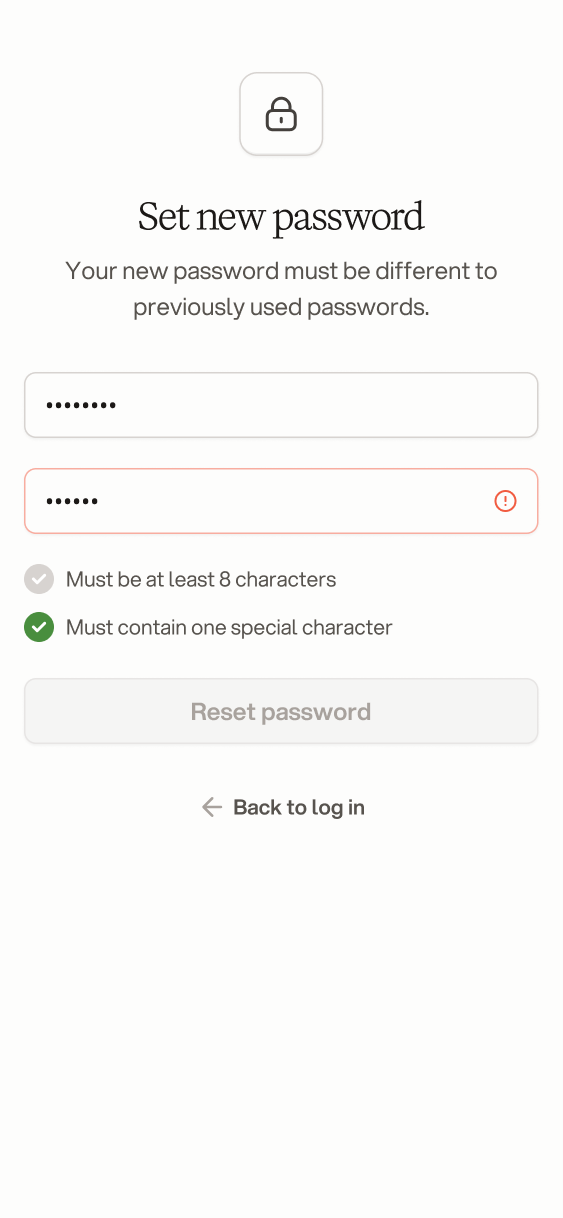
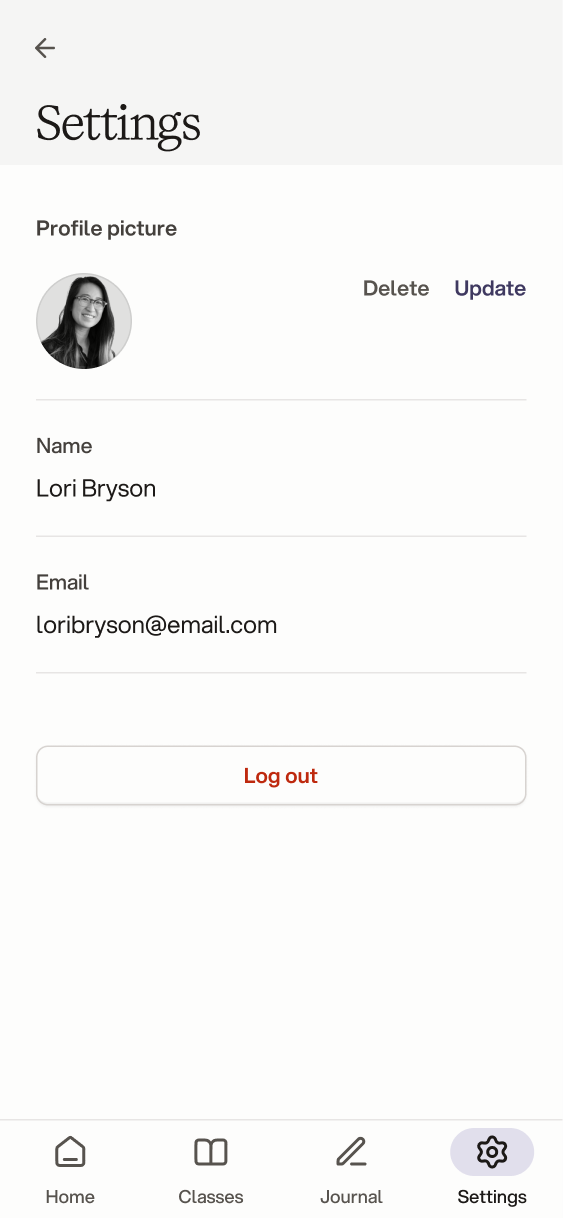
Log in screen, Welcome back, with email and password fields Log in screen filled in, with the Sign in button enabled Sign up screen, Begin your journey, asking for name, email and password Forgot password screen asking for an email to send reset instructions to Check your email screen confirming the password reset link was sent Set new password screen with live checks for length and a special character Password reset confirmation with a button to continue and log in Baseline survey, question 1 of 14: in the past week how often have you felt mentally calm or emotionally balanced, from Never to Always Baseline survey intro explaining that the 14 questions map the emotional starting point Baseline survey question 2 of 14: how often have you felt overwhelmed, with Rarely selected Settings with profile picture, name, email and log out Settings without a profile picture, showing initials and an upload option

Outcome

I delivered the complete UI for the MVP: onboarding and the baseline survey, the 30-day program with chapters and guided meditations, and the AI-powered journal. The user flow gave a clear split between what belongs in the first release and what is reserved for premium users, so the product has a defined scope ready for development.

Some ideas were intentionally left for later, such as an emotion visualisation: a colour-coded view of how someone's mood changes across the program.