Sanctuary Cosmetic Center
Role
UI Designer
Client
Sanctuary Cosmetic Center
Year
2025
Type of work
Desktop appUI design
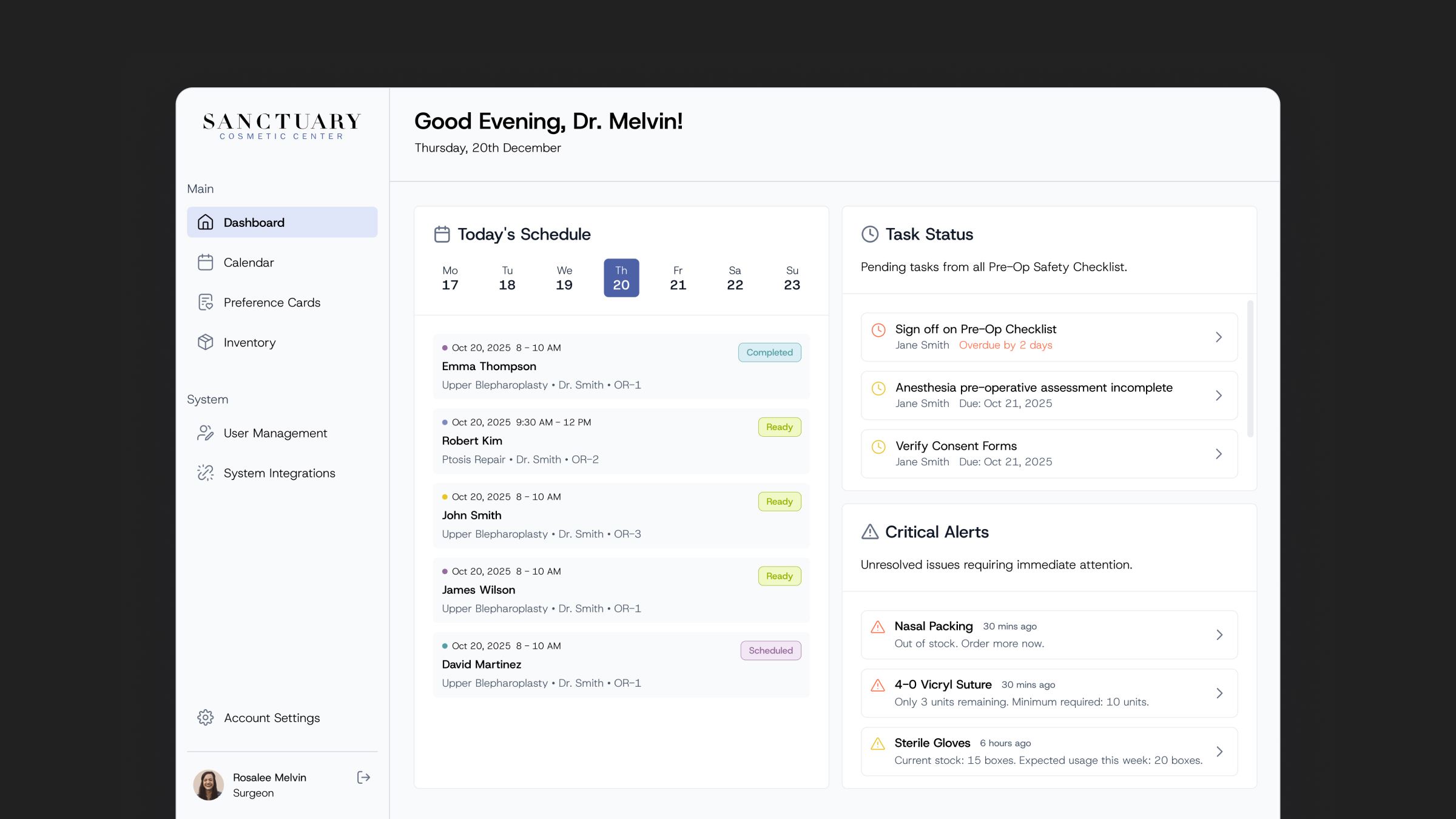
The Sanctuary dashboard on a dark background, with the sidebar navigation, a greeting for Dr. Melvin, today's surgery schedule, pending pre-op tasks and critical alerts for out-of-stock and low supplies

Overview

Sanctuary Cosmetic Center needed a desktop app for its clinic admins and surgeons: one place to schedule surgeries, keep track of inventory, and know ahead of time when an upcoming surgery needs attention.

Problem

The team relied on old methods to track scheduled surgeries and supplies. Booking a surgery meant checking patient and surgeon availability separately, and a missing supply or an unavailable bed could go unnoticed until the day of the procedure.

Process

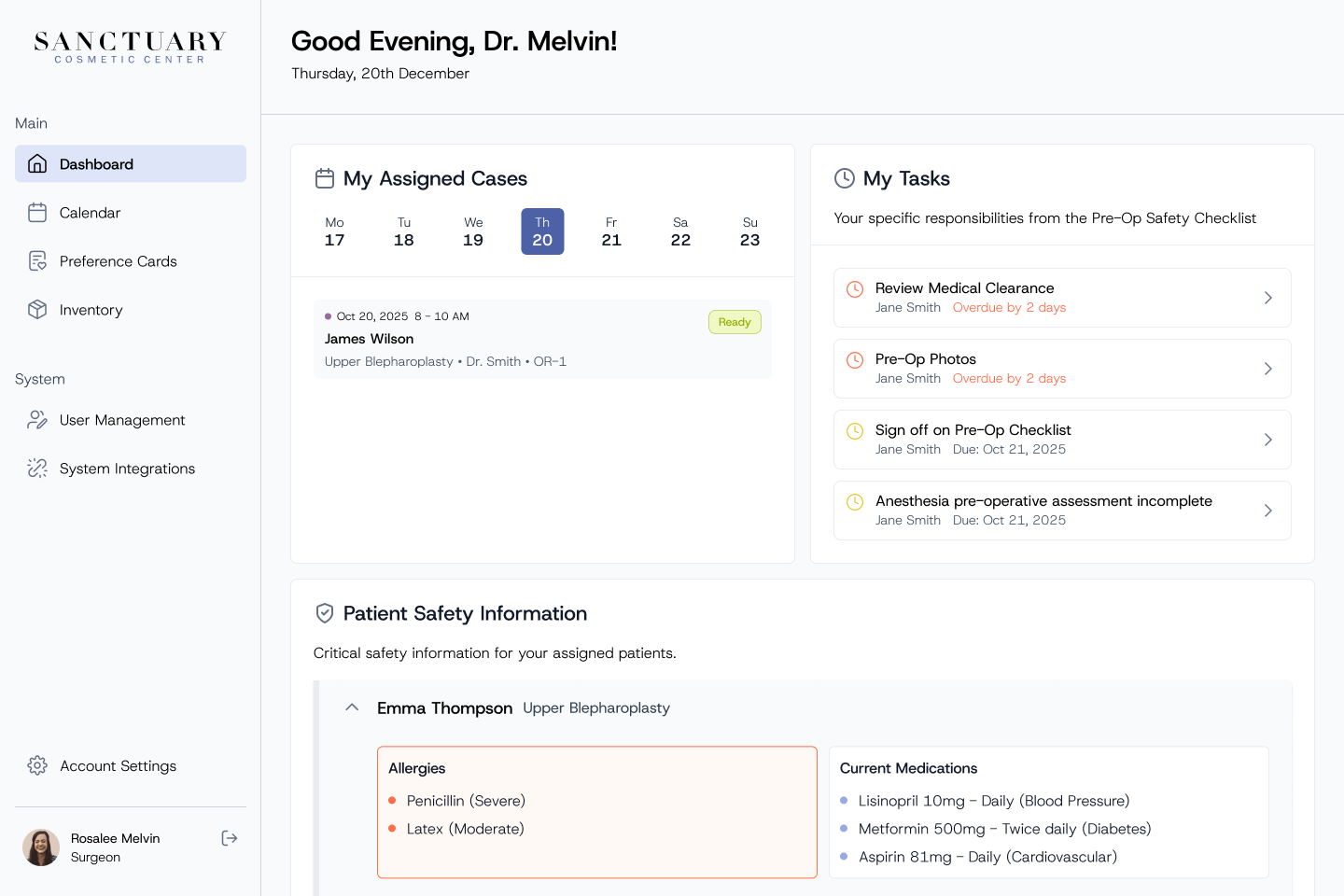
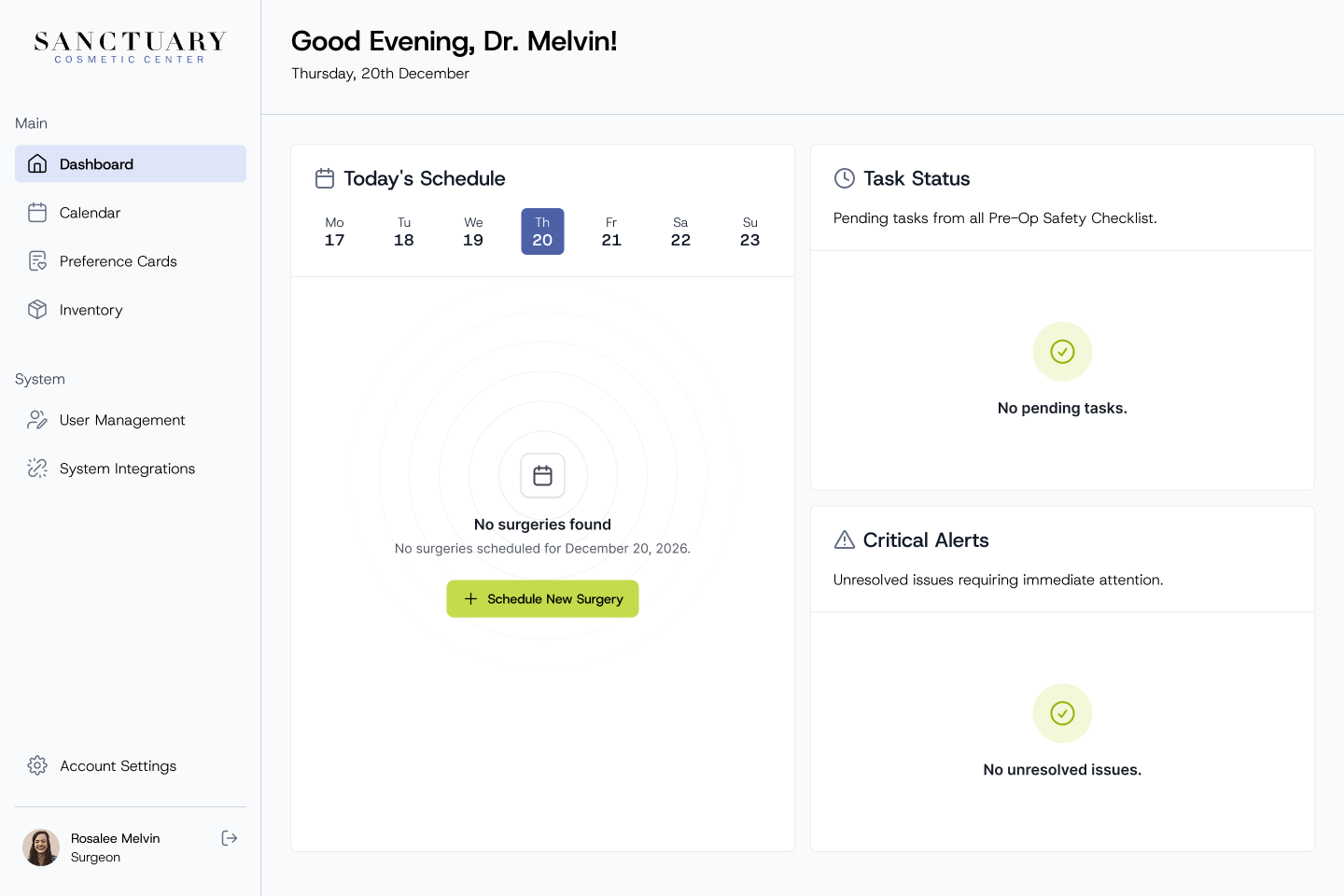
The dashboard is the starting point of every day. It shows today's surgeries and their status, pending pre-op tasks, and critical alerts such as low or out-of-stock supplies, so problems are visible before they affect a procedure. Surgeons get their own view with their assigned cases and patient safety information.

Dashboard
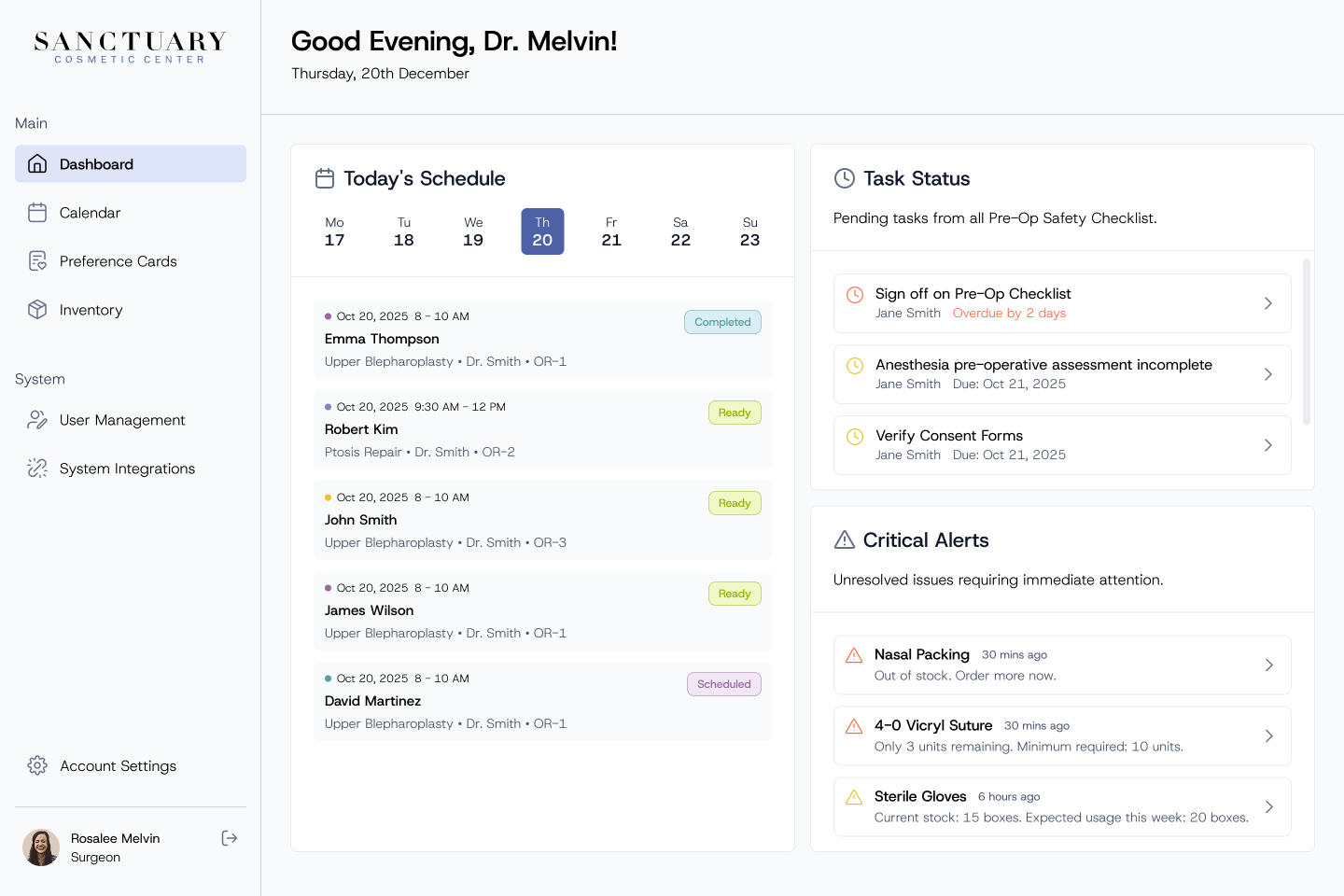
Dashboard greeting the surgeon, with today's schedule, pending tasks from the pre-op safety checklist and critical stock alerts Surgeon dashboard with assigned cases, personal tasks and patient safety information such as allergies and current medications Dashboard empty state with no surgeries scheduled, no pending tasks and no unresolved issues

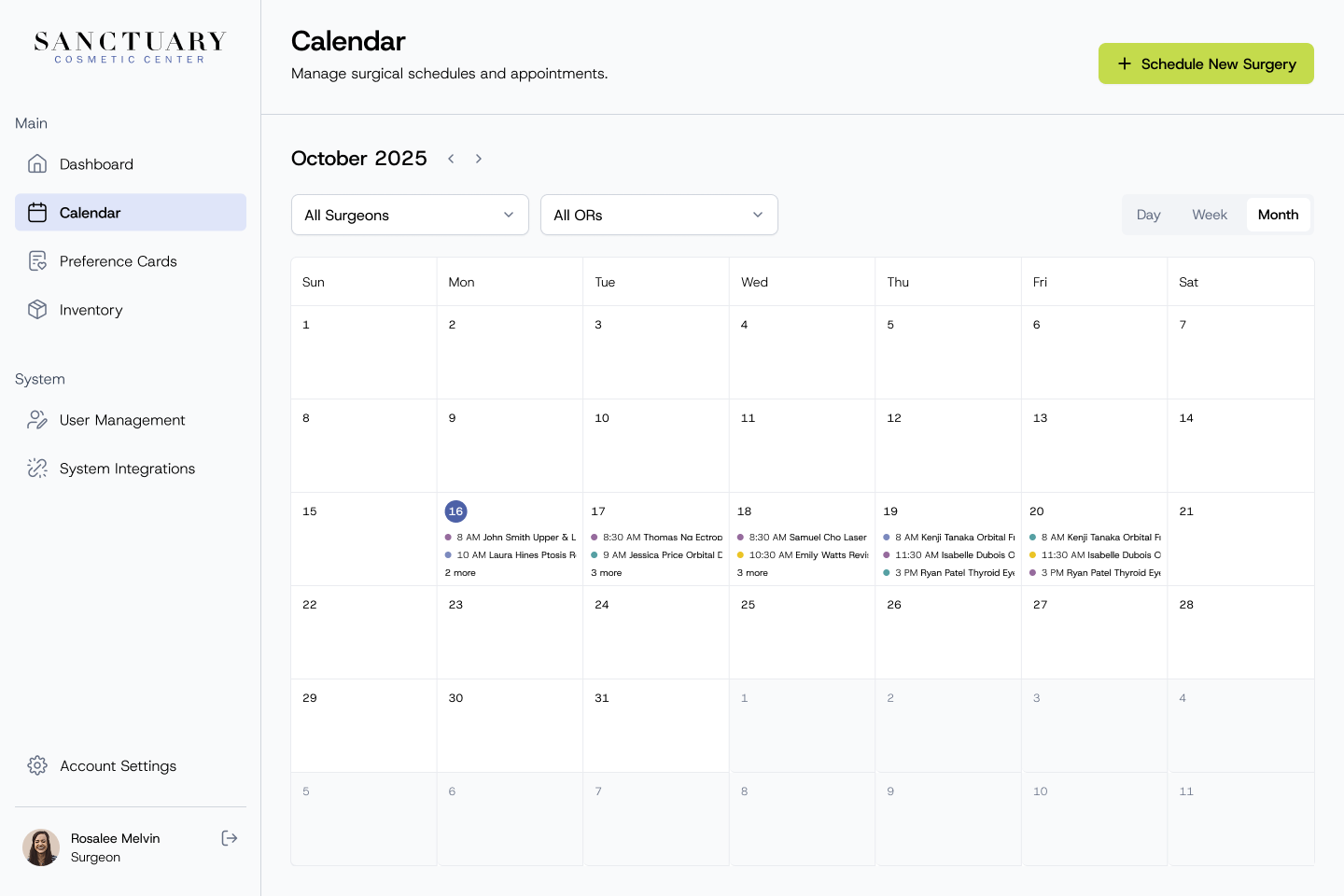
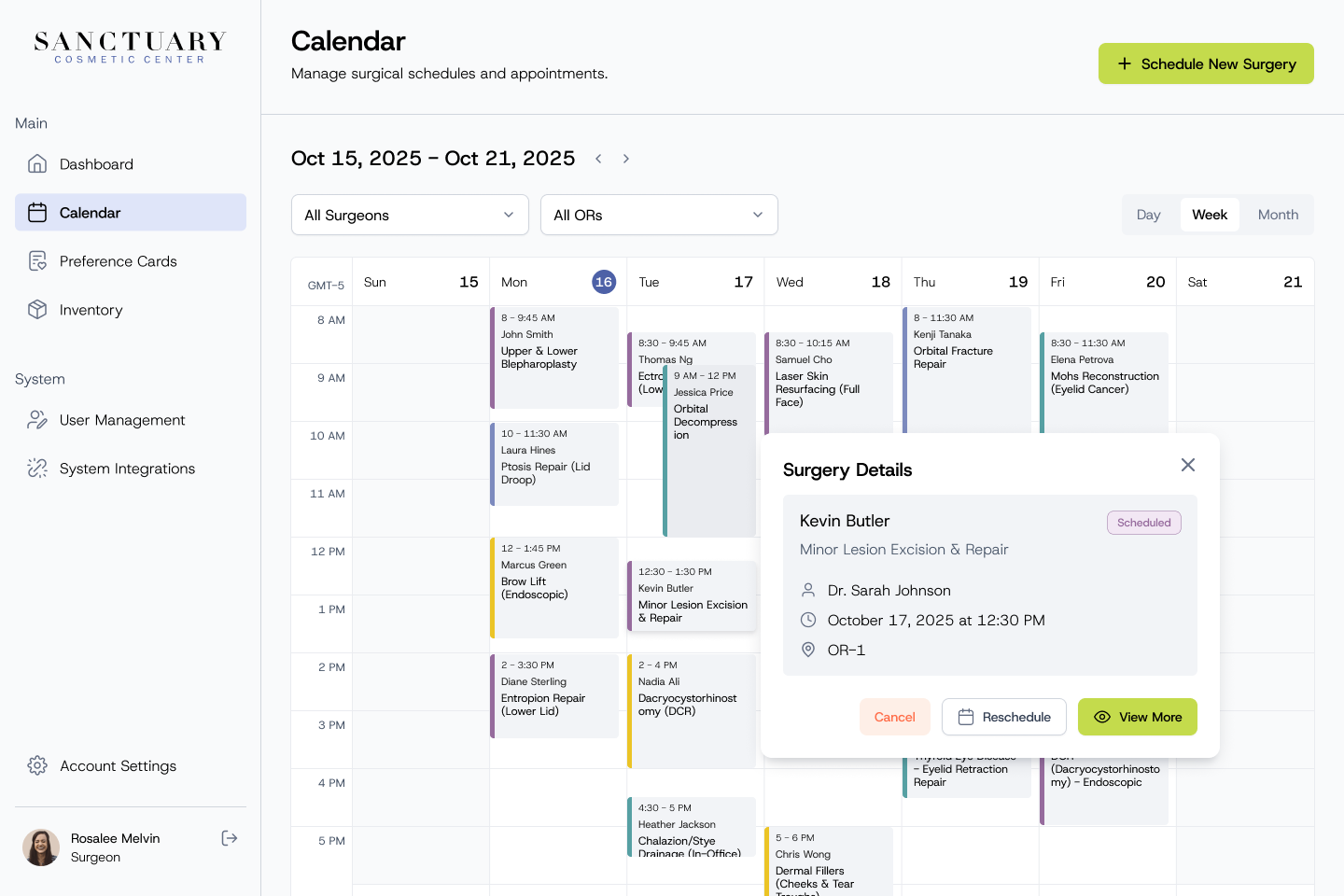
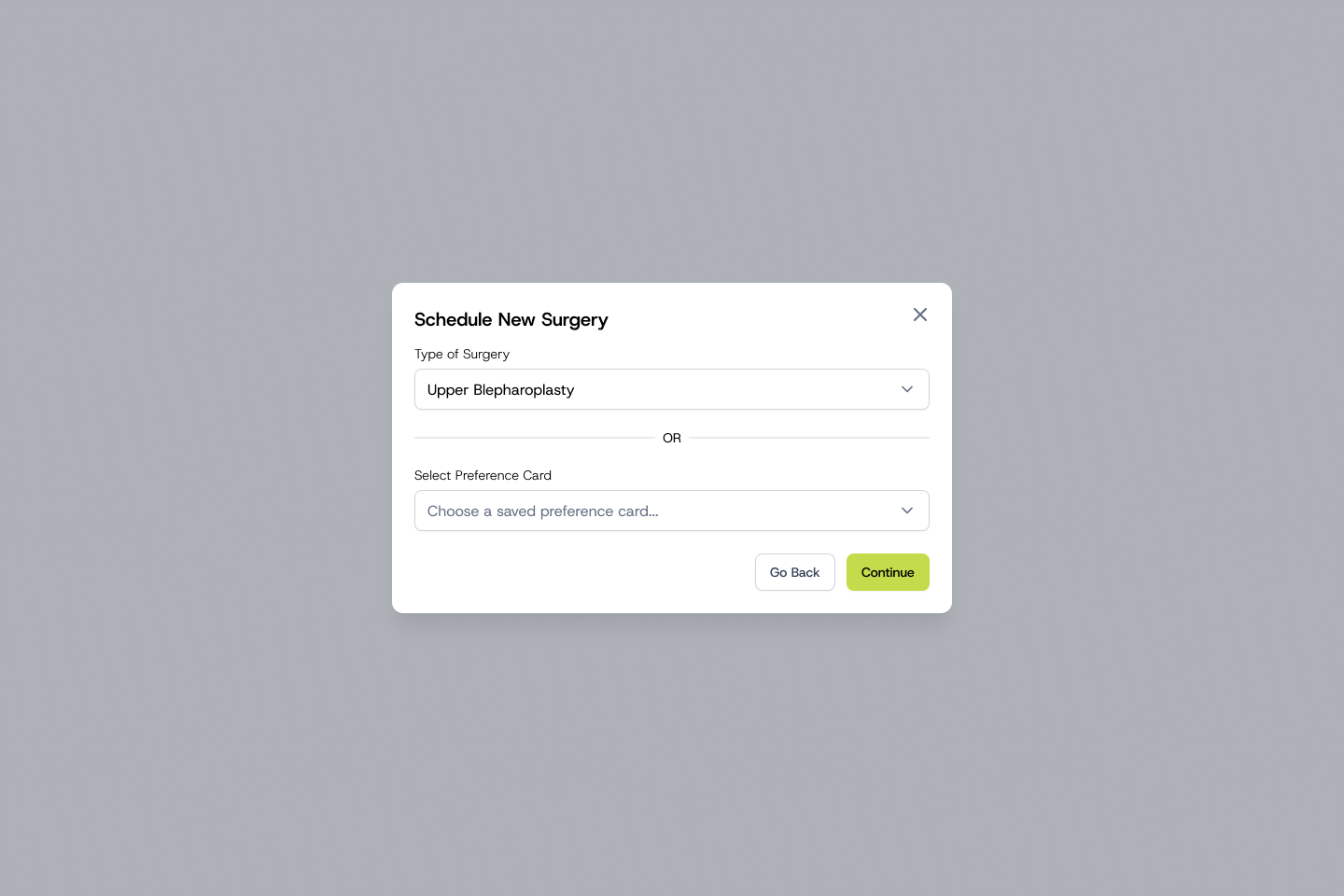
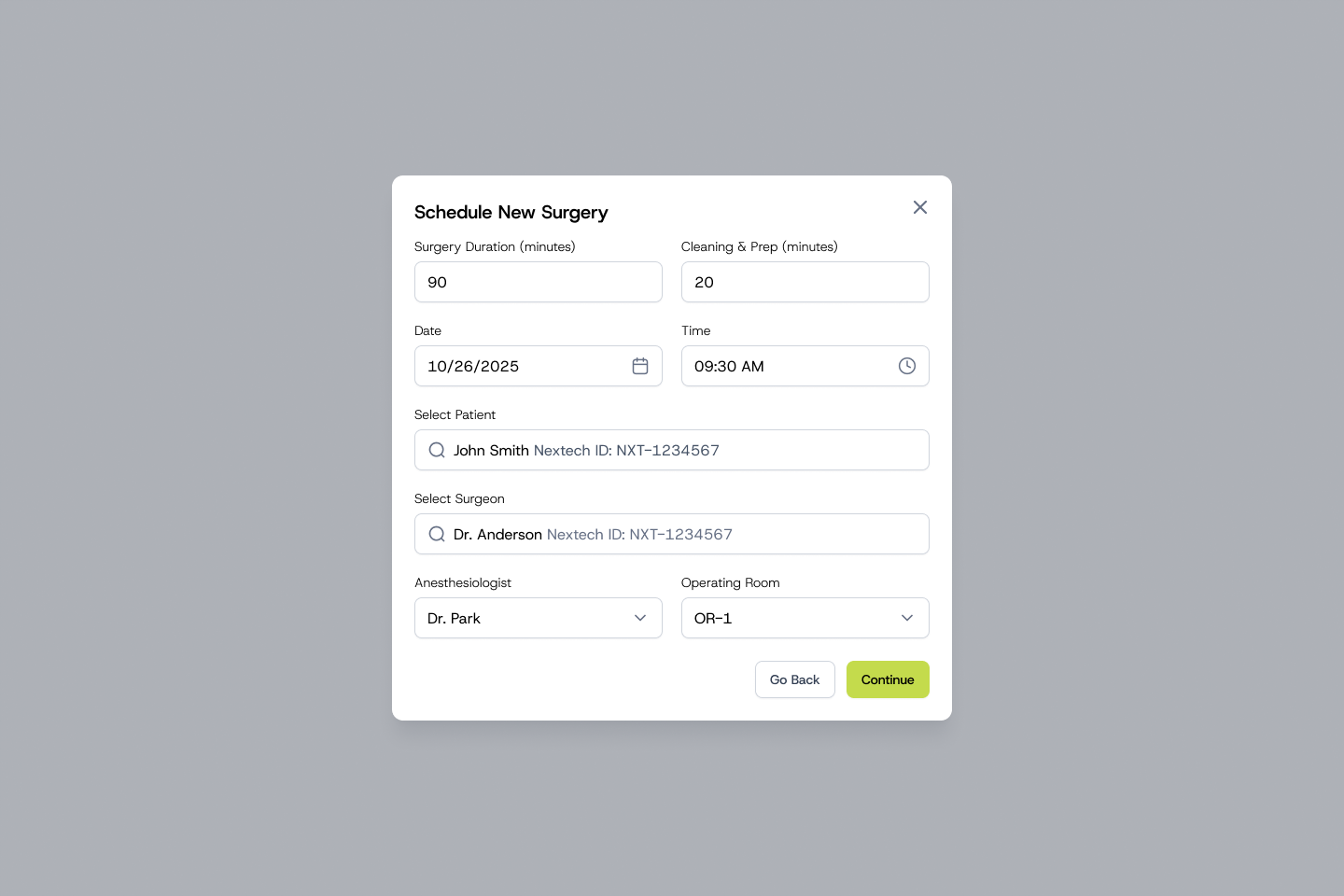
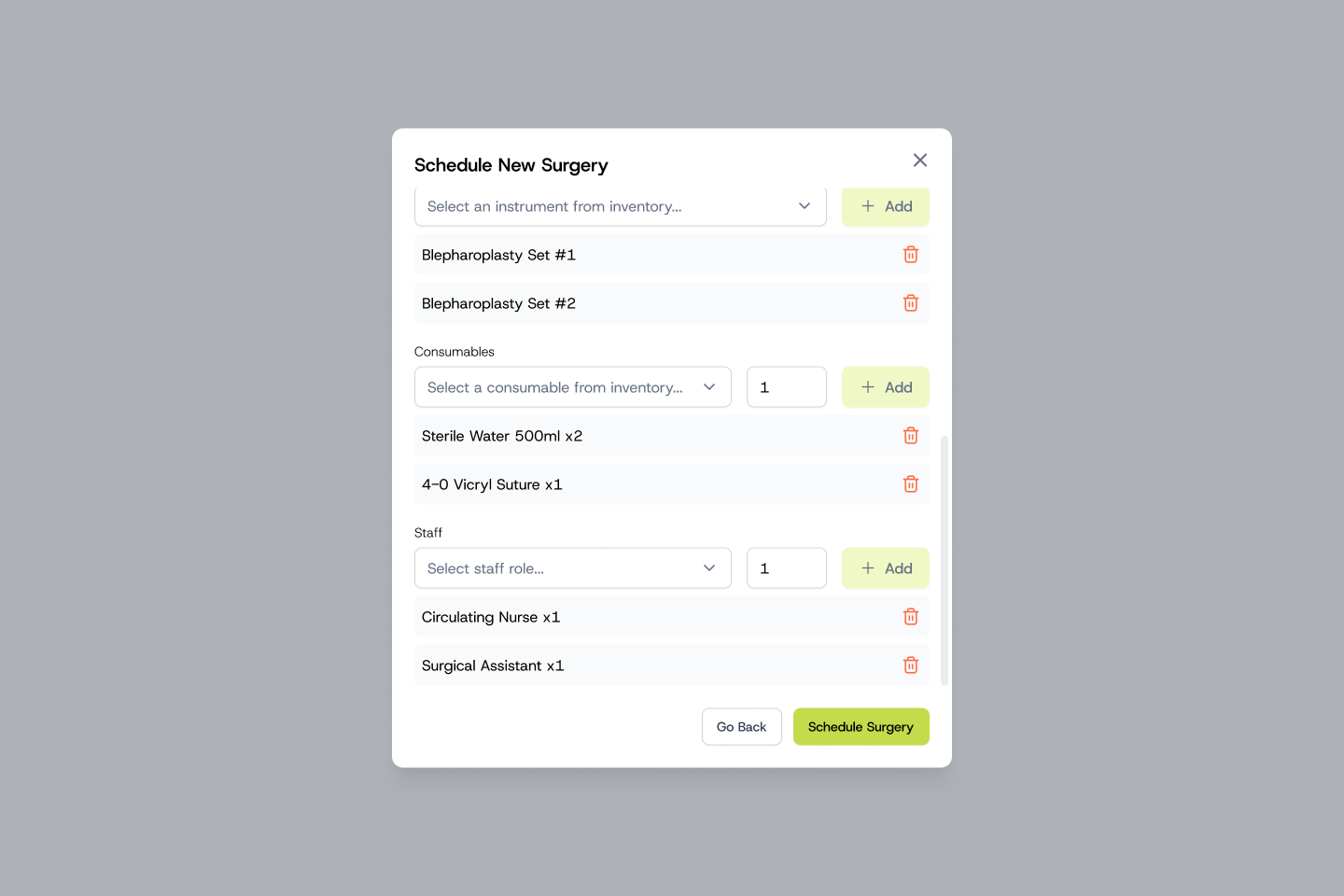
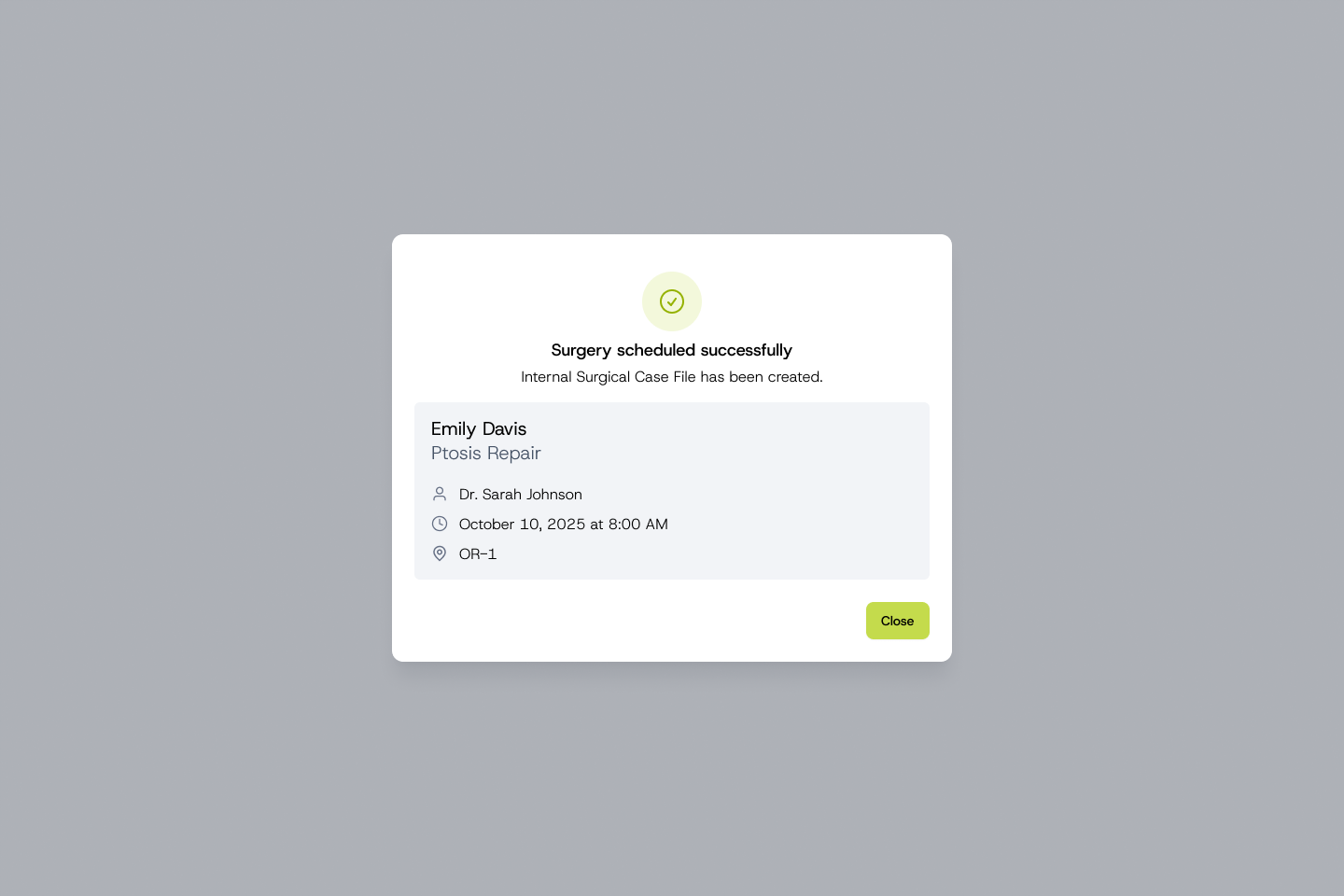
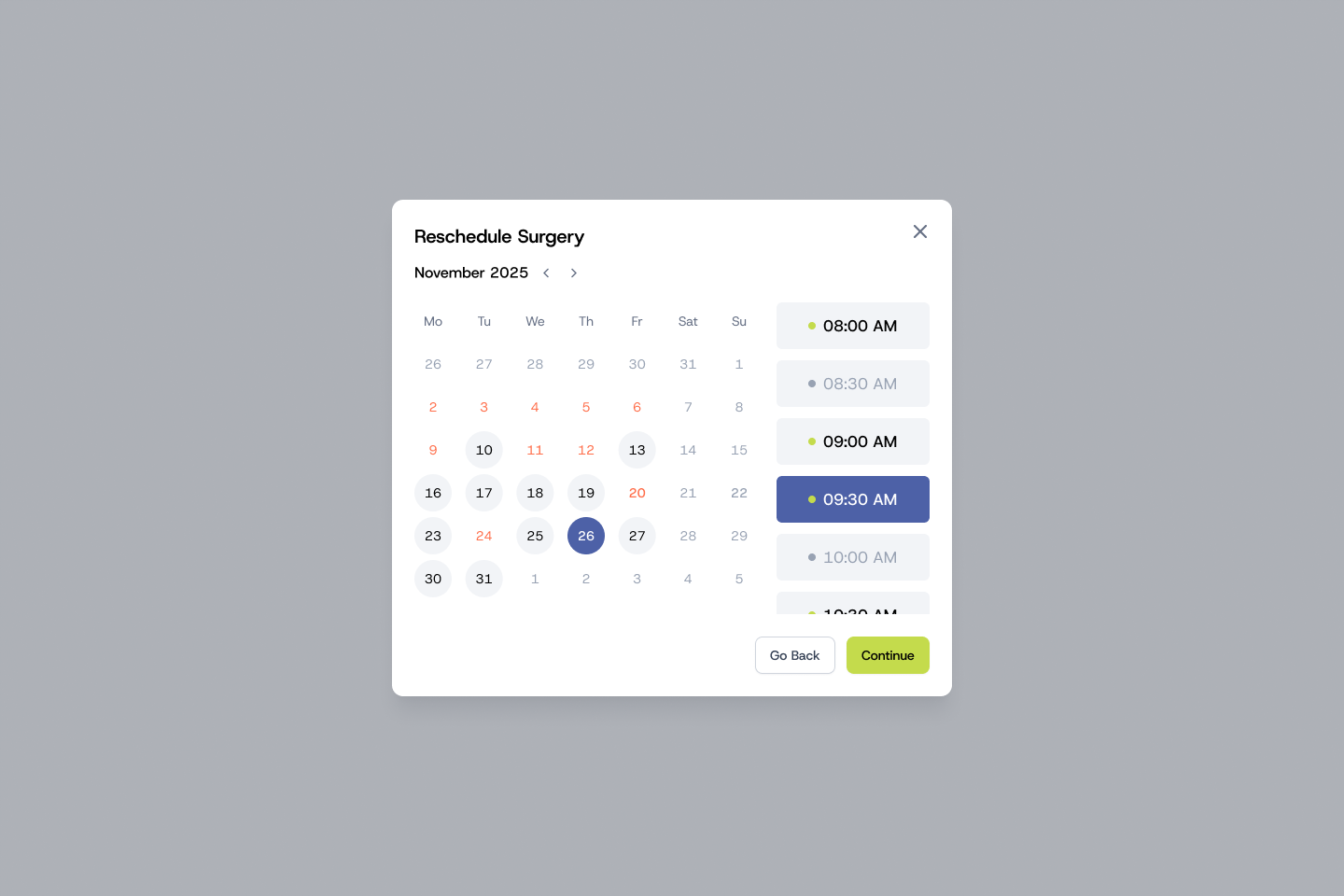
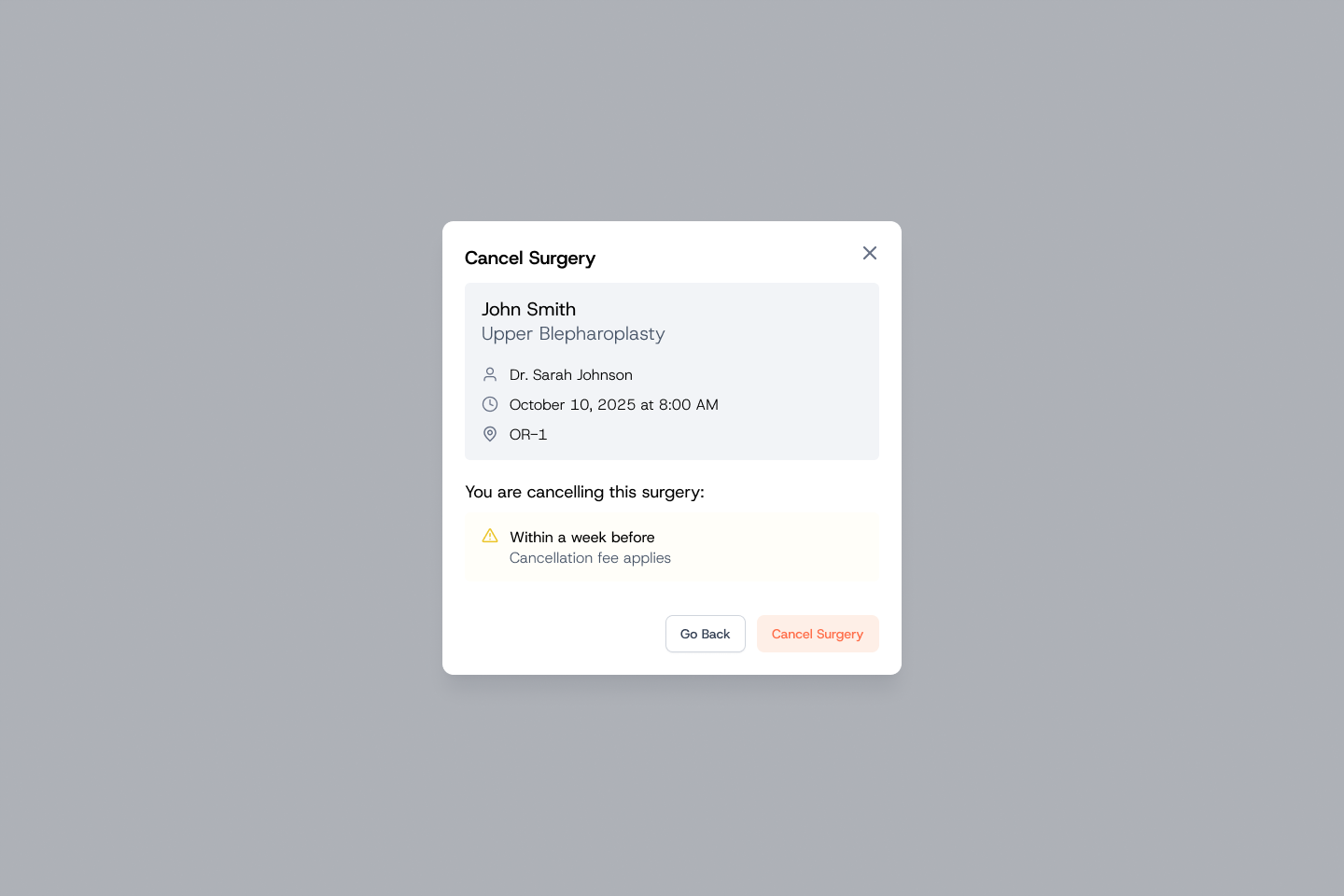
Scheduling a surgery starts from the type of procedure or a saved preference card, then brings patient, surgeon, anesthesiologist, operating room and time together in a single flow. The calendar shows every surgery by day, week or month, filtered by surgeon or room, and rescheduling or cancelling is handled in place, with fees flagged up front.

Calendar and scheduling
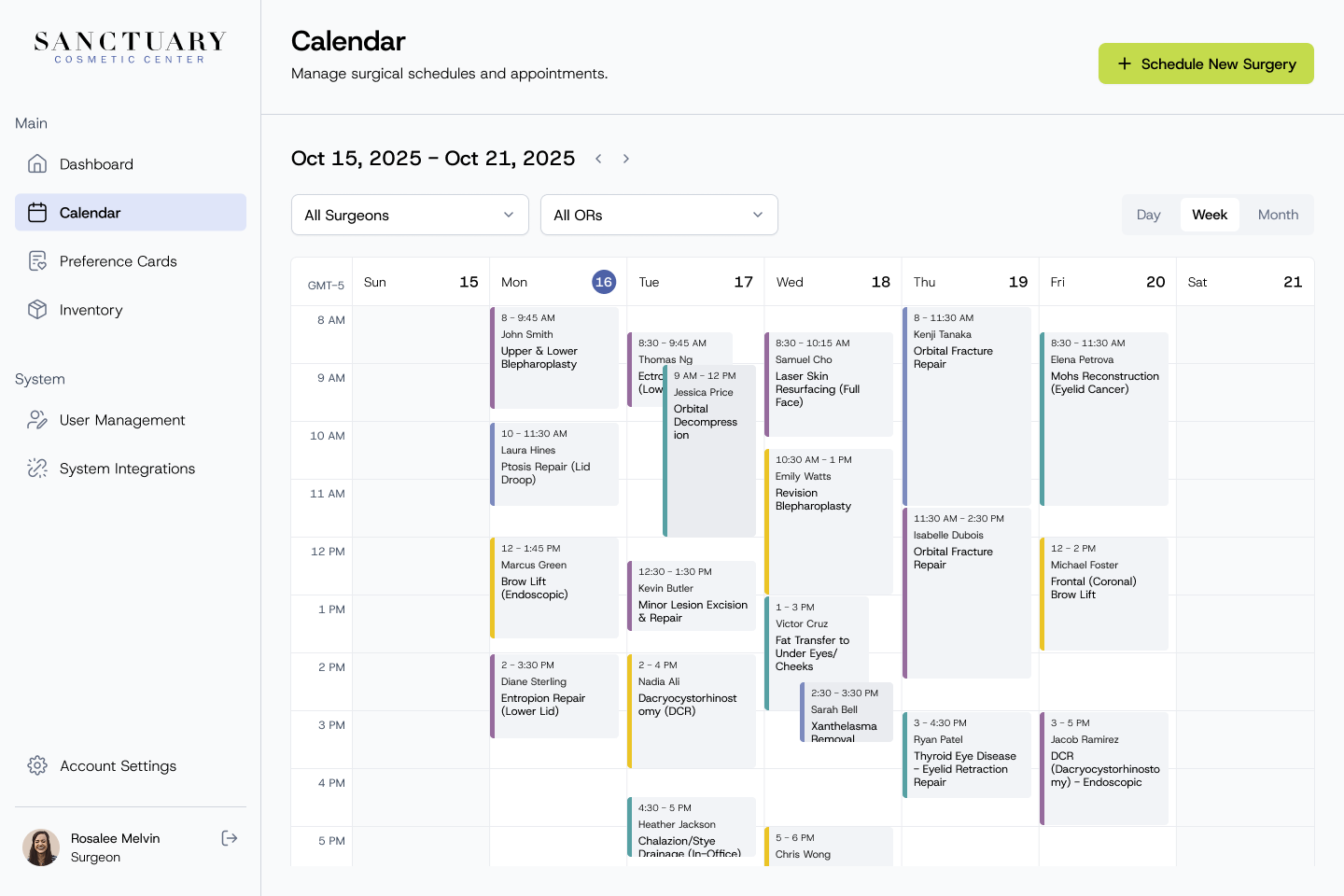
Calendar week view with colour-coded surgeries, filters for surgeons and operating rooms, and a Schedule New Surgery button Calendar month view for October 2025, with surgeries listed on each day and a count of more Surgery details popover on the calendar with patient, procedure, surgeon, time and room Schedule New Surgery, step 1: choose a type of surgery or a saved preference card Schedule New Surgery, step 2: duration, date and time, patient, surgeon, anesthesiologist and operating room Schedule New Surgery, step 3: instruments, consumables and staff pulled from inventory Confirmation that the surgery was scheduled and an internal surgical case file was created Reschedule Surgery with a date picker and available time slots Cancel Surgery confirmation warning that a cancellation fee applies within a week of the procedure

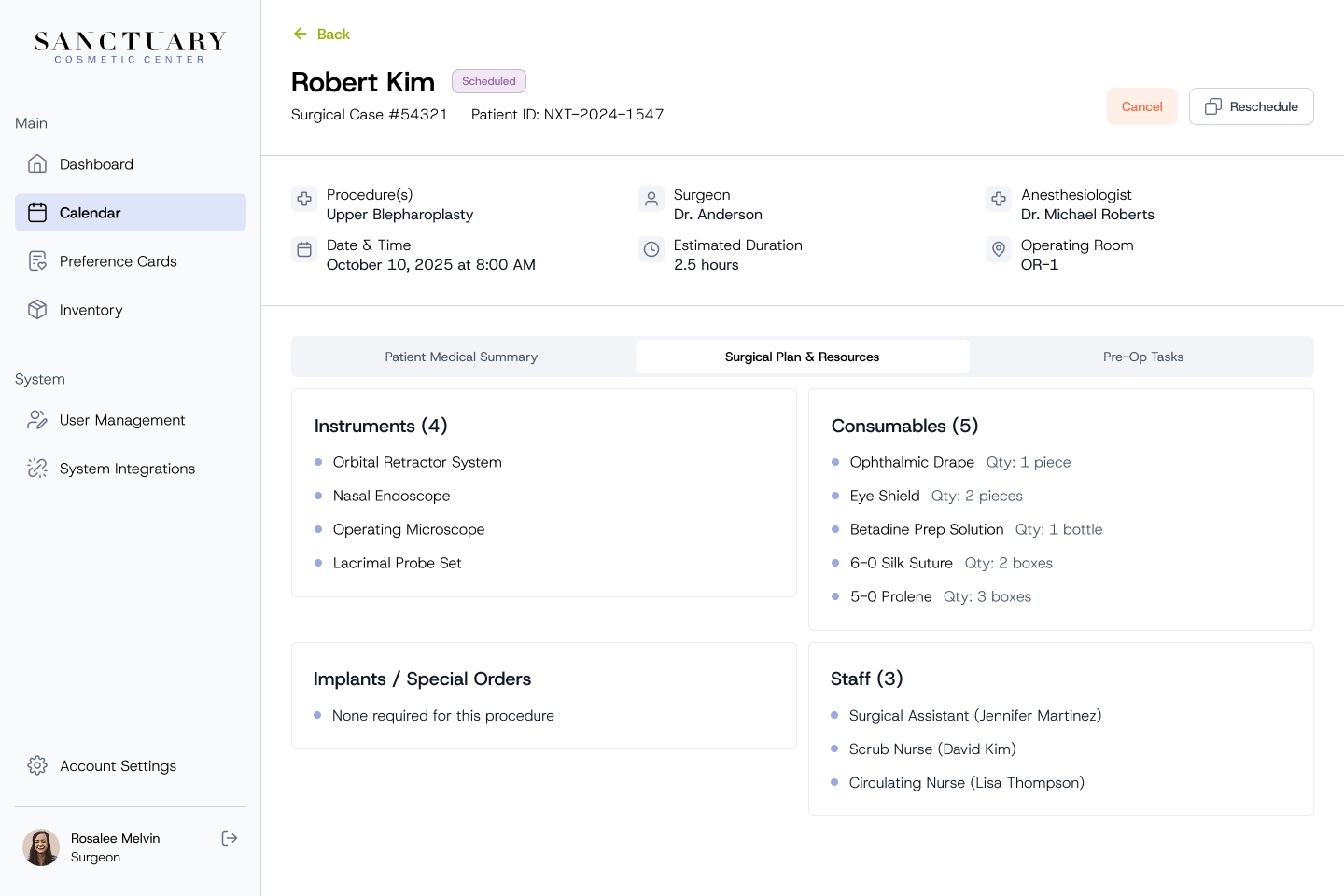
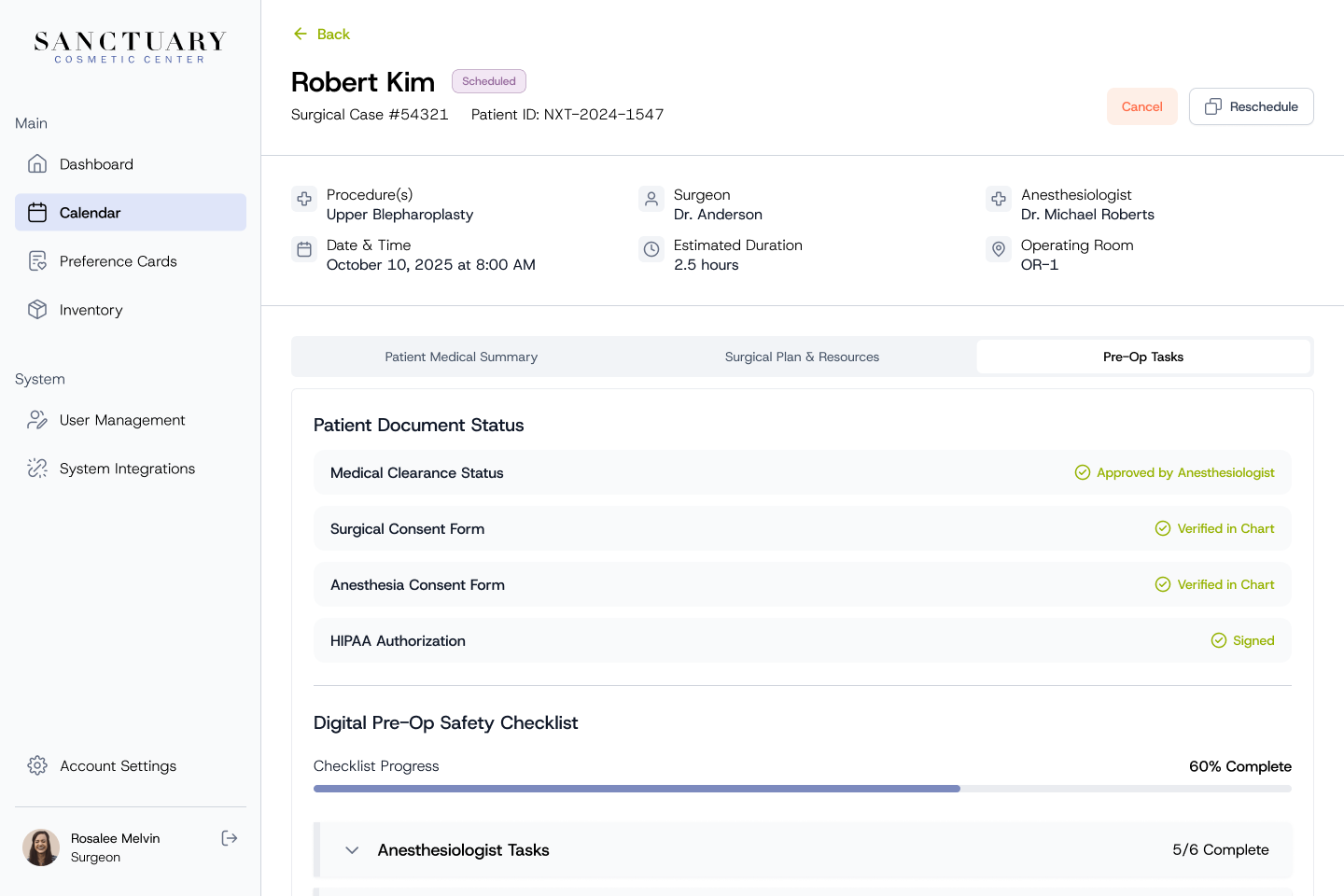
Each surgery has its own case file, bringing together the patient's medical summary, the surgical plan and resources, and the status of pre-op tasks and documents.

Surgical case files
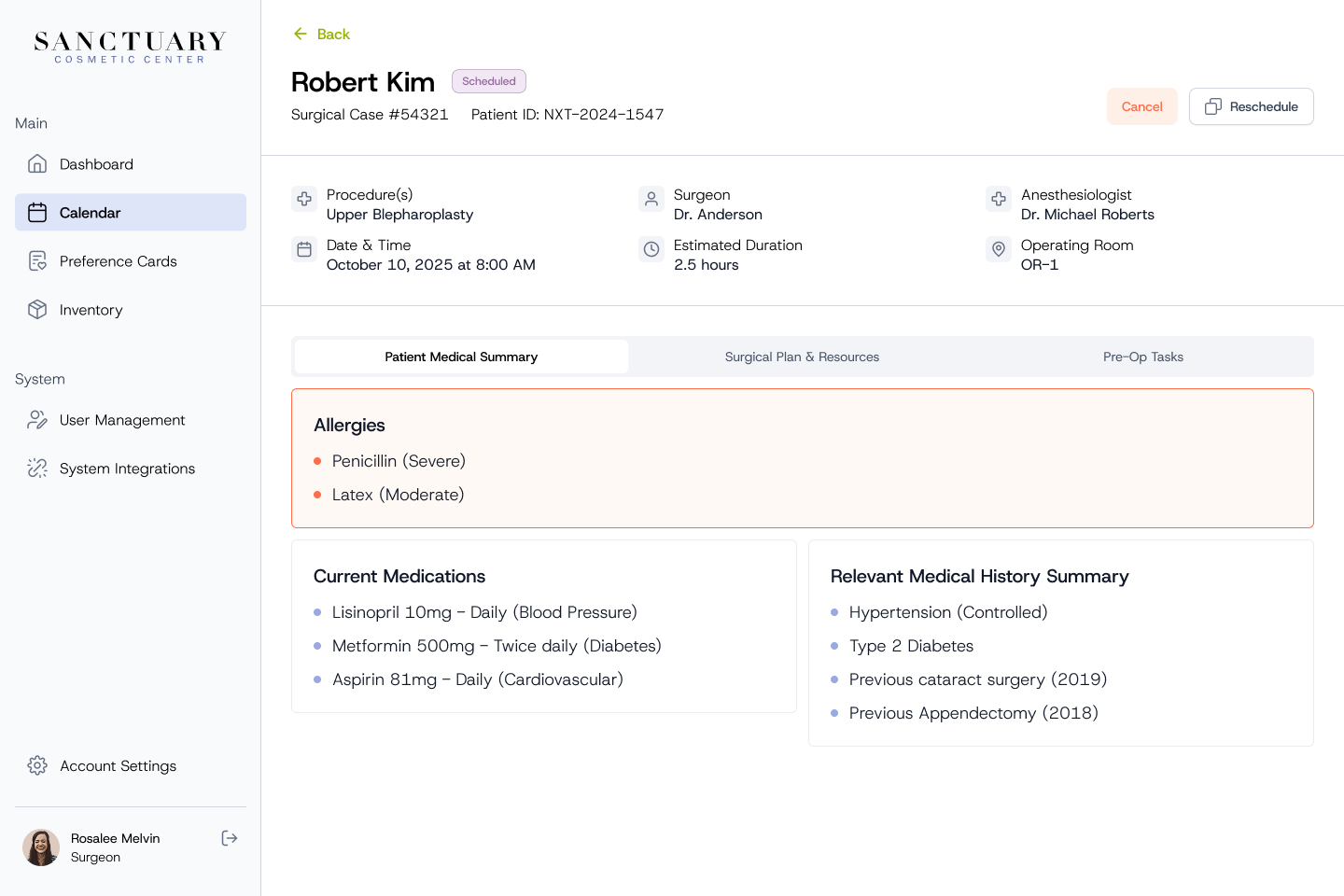
Surgical case file with procedure, surgeon, date, room and the patient medical summary, with allergies highlighted Surgical case file, Surgical Plan and Resources tab listing instruments, consumables, implants and staff Surgical case file, Pre-Op Tasks tab with document status and pre-op safety checklist progress

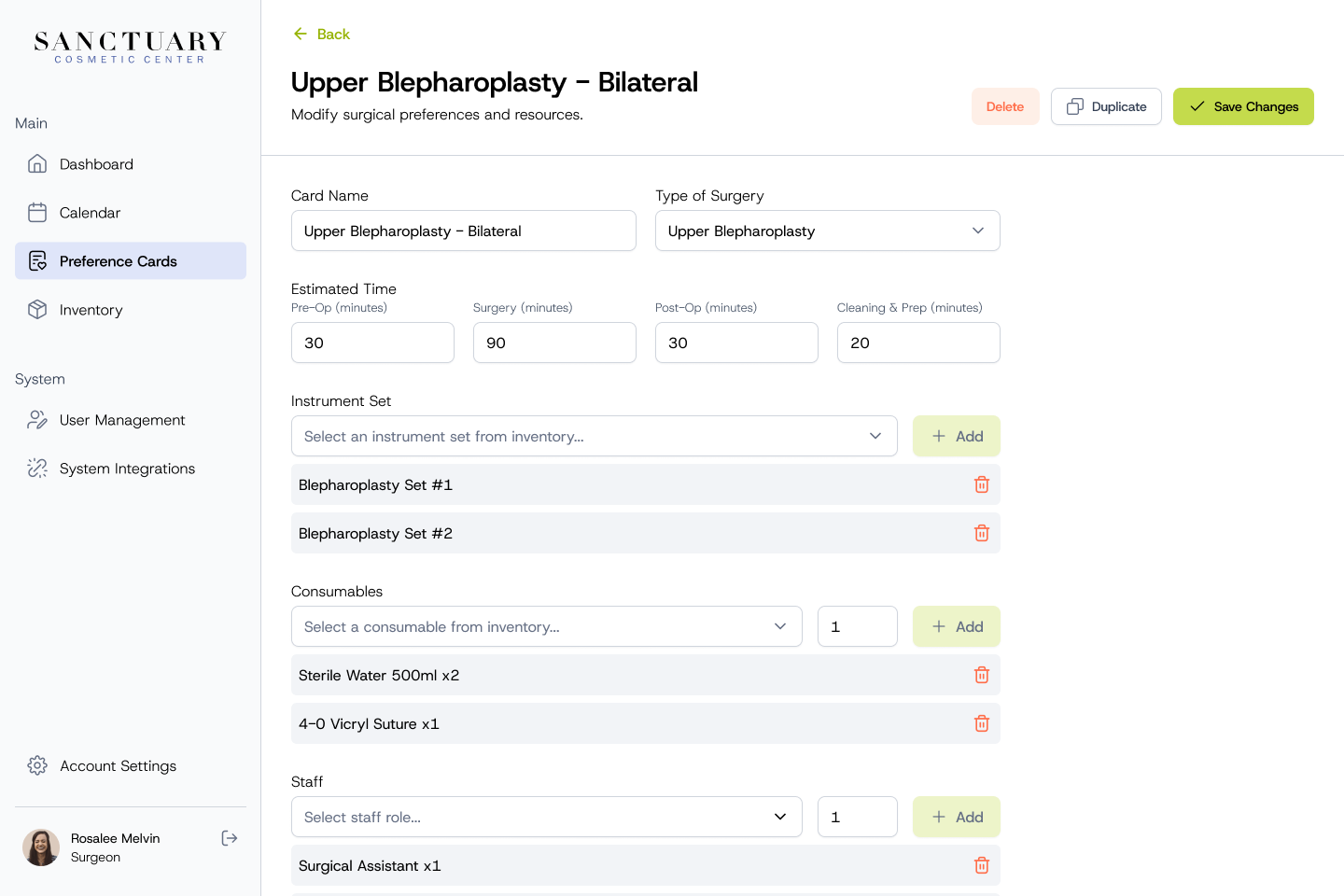
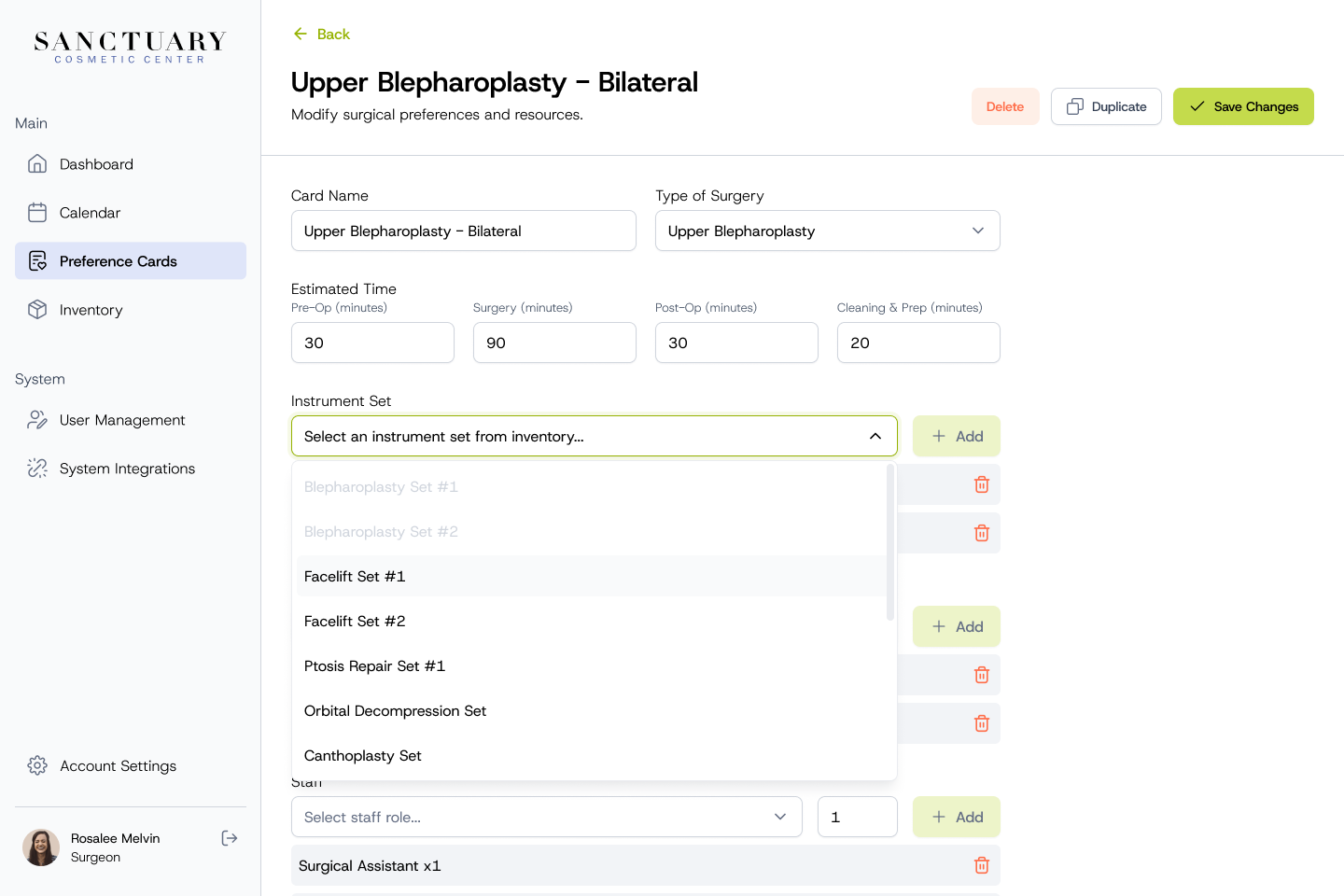
Preference cards are reusable templates for each procedure, listing its duration, instruments, consumables and required staff. Because they are linked to inventory, each card shows straight away whether everything it needs is available.

Preference cards
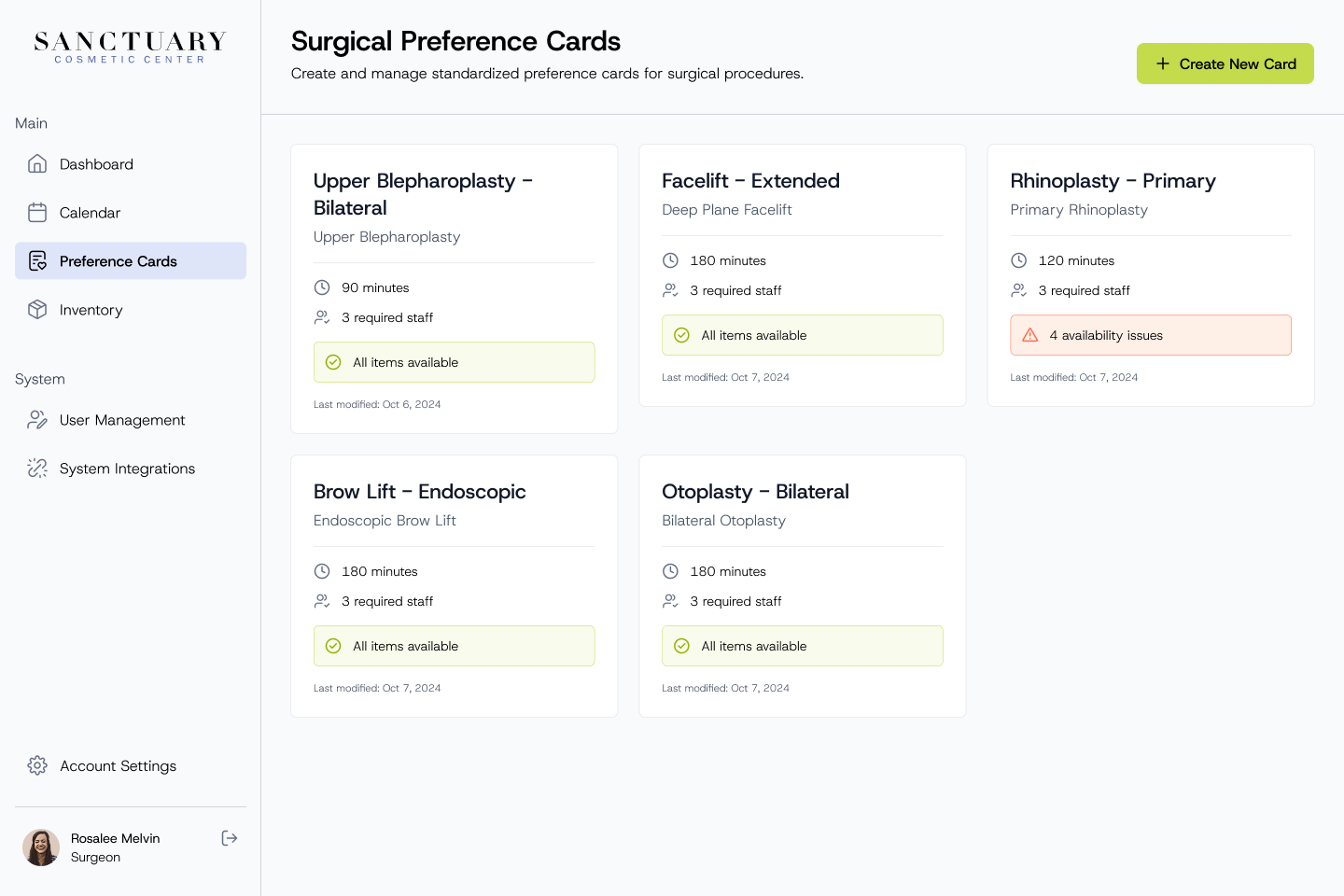
Surgical preference cards for each procedure, showing duration, required staff and whether all items are available or there are availability issues Editing a preference card with estimated times, instrument sets, consumables and staff Adding an instrument set to a preference card from an inventory dropdown

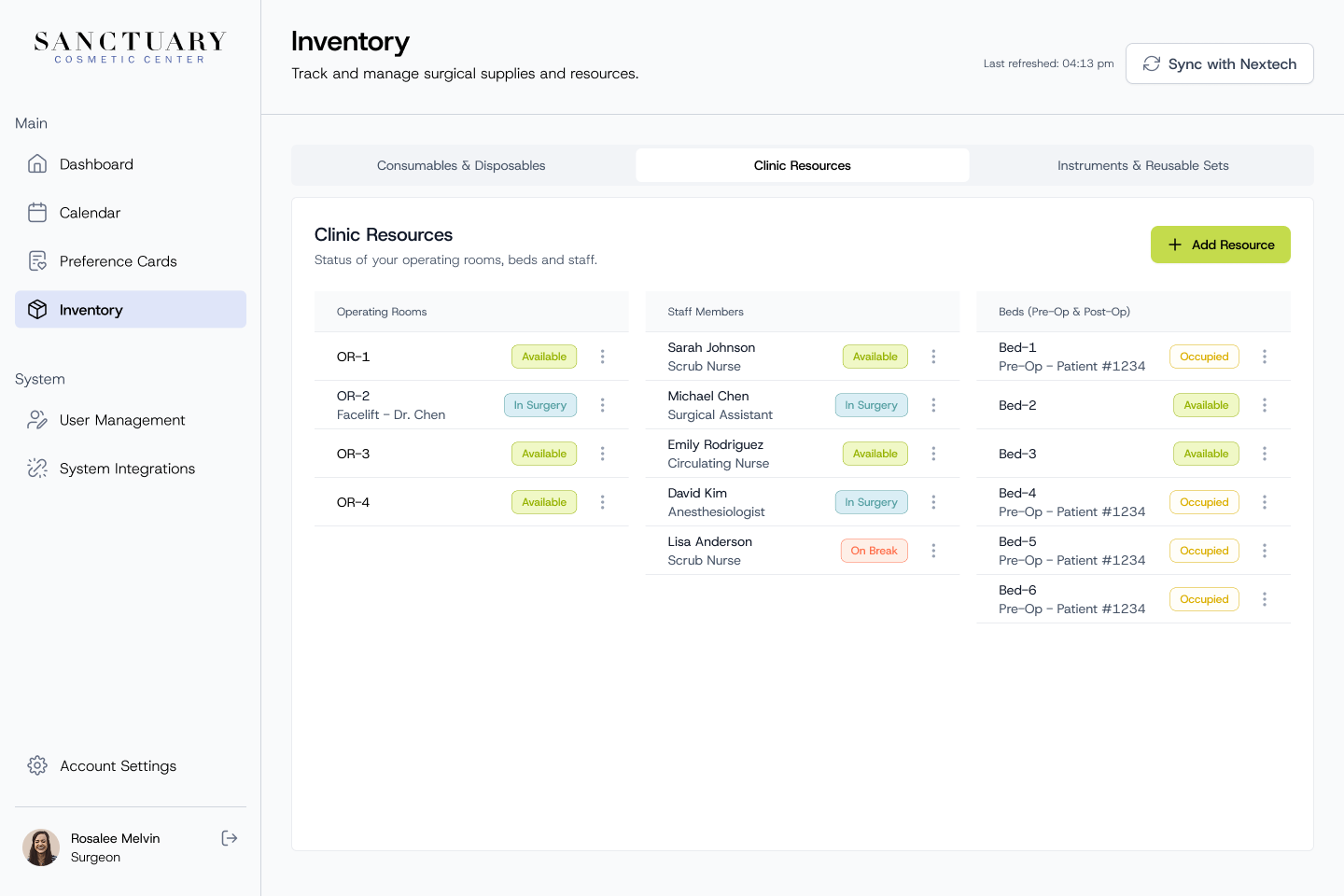
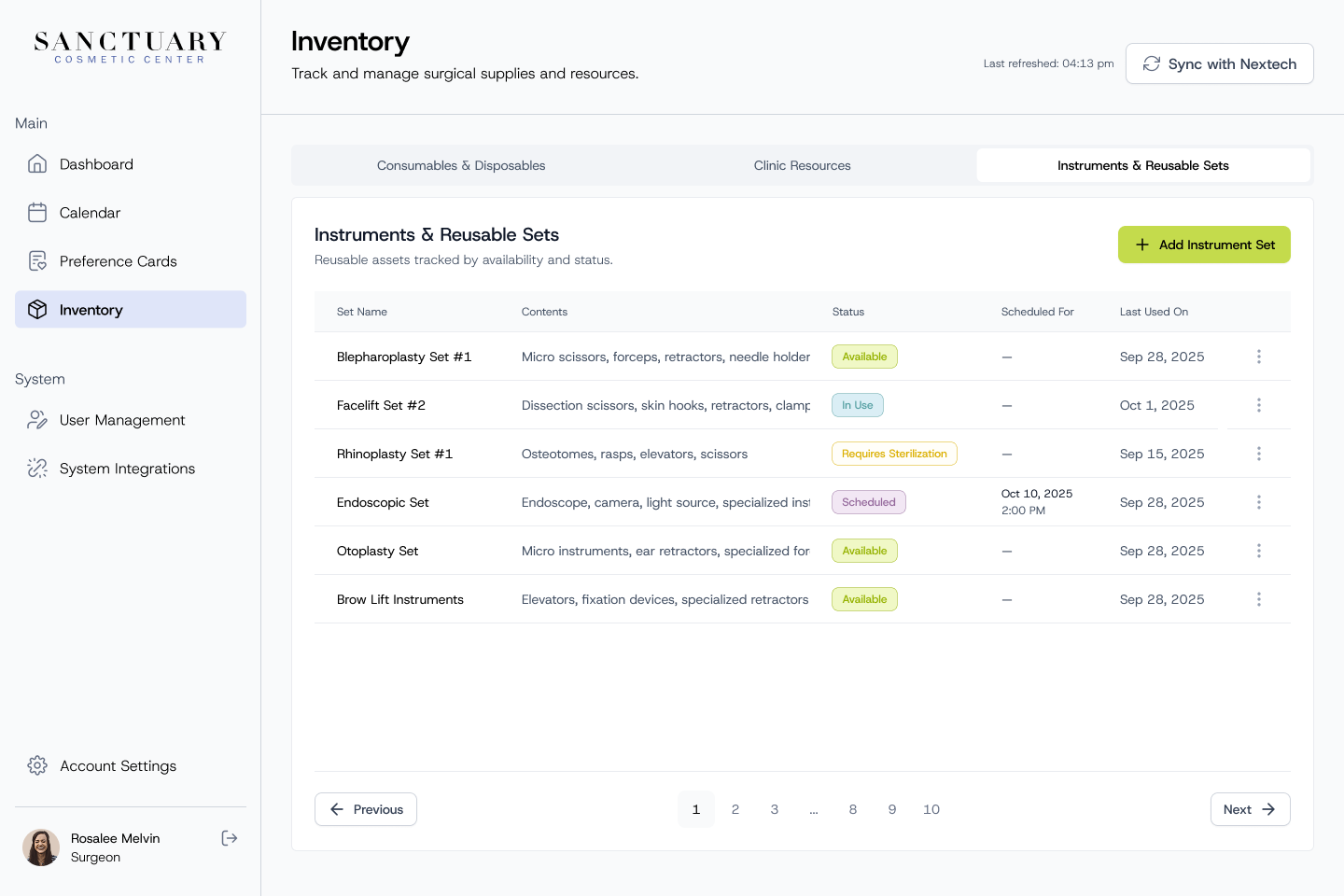
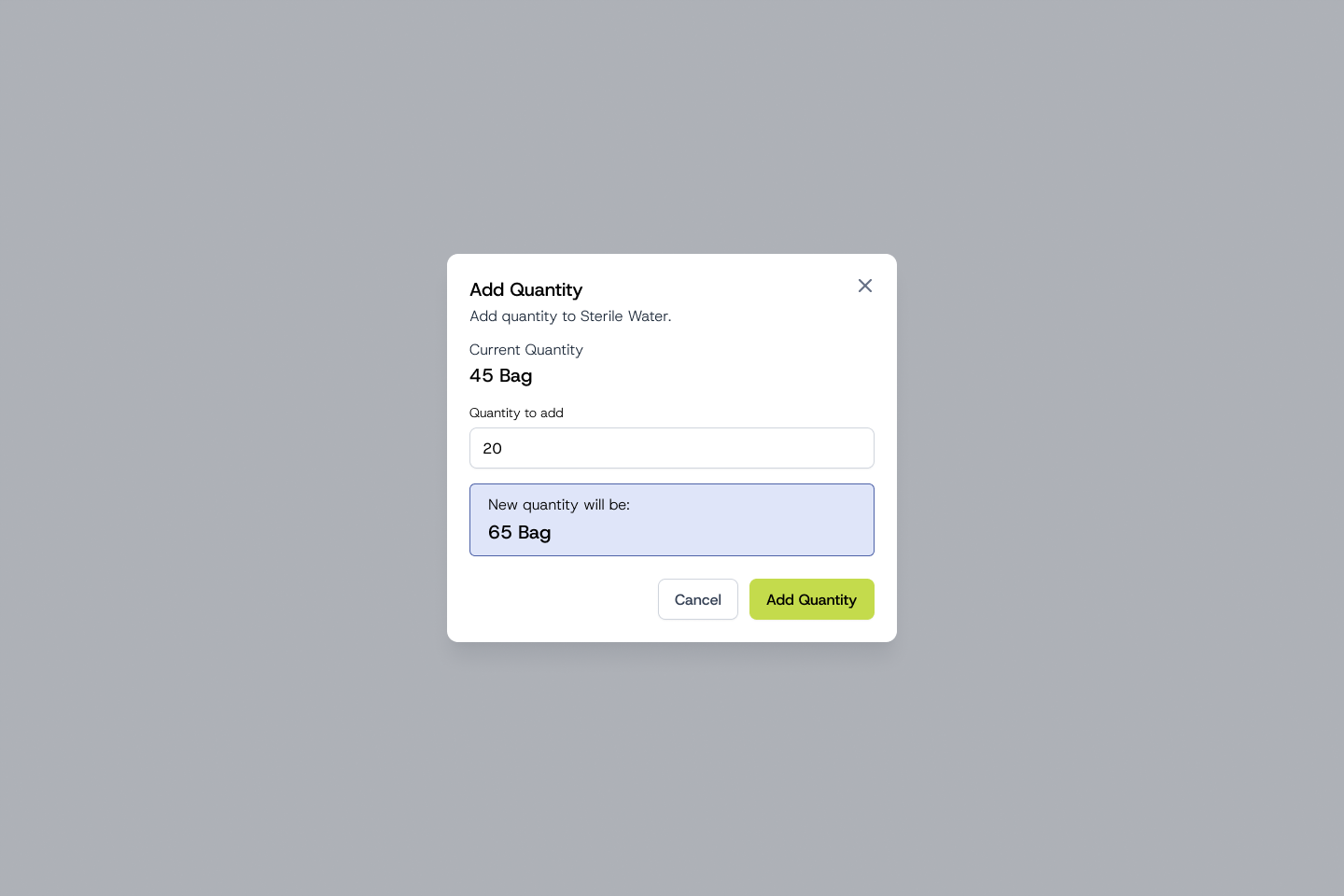
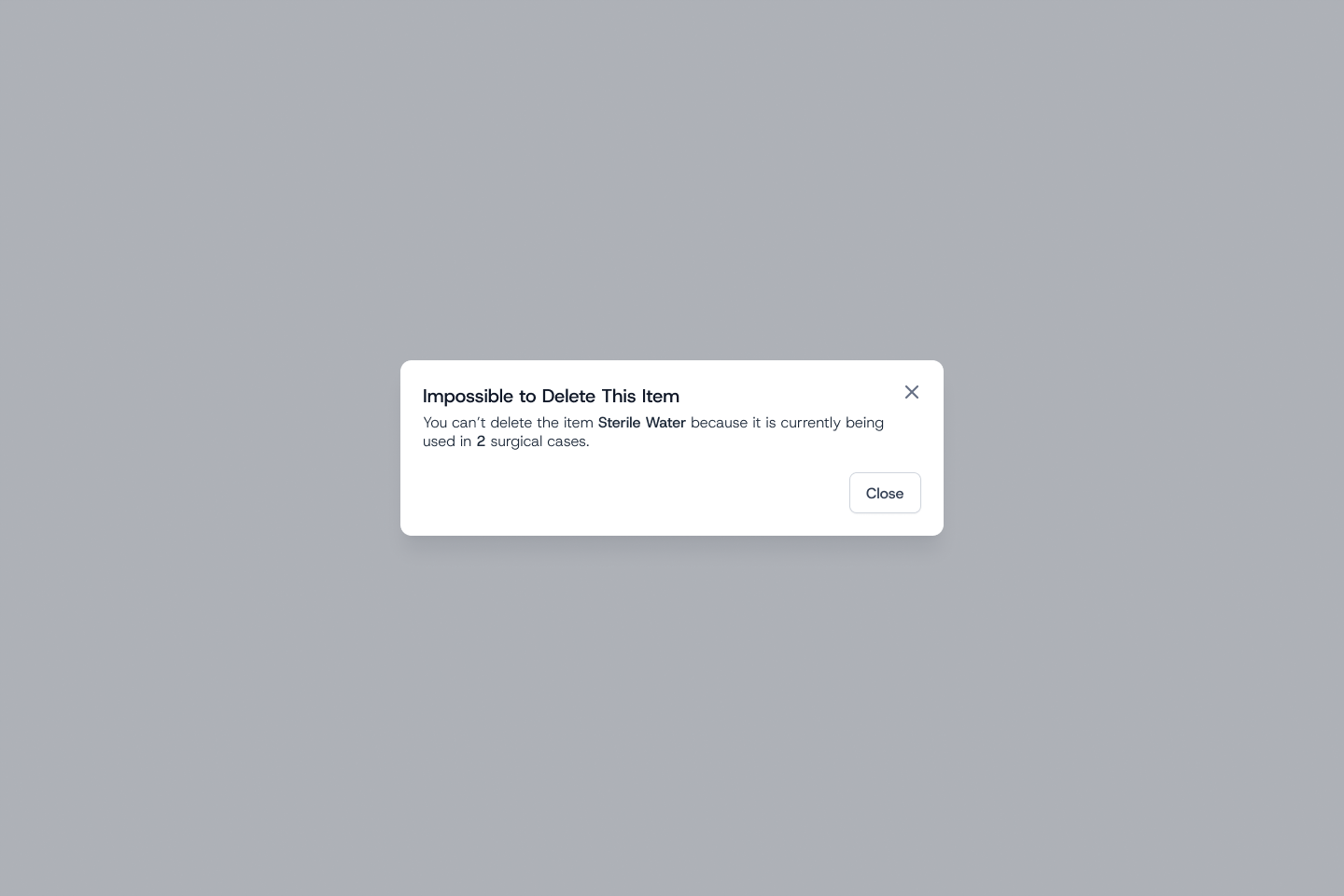
Inventory covers consumables, clinic resources such as operating rooms, beds and staff, and reusable instrument sets, synced with the clinic's EMR. Stock levels are flagged when they run low, and items in use by upcoming surgeries can't be deleted by mistake.

Inventory
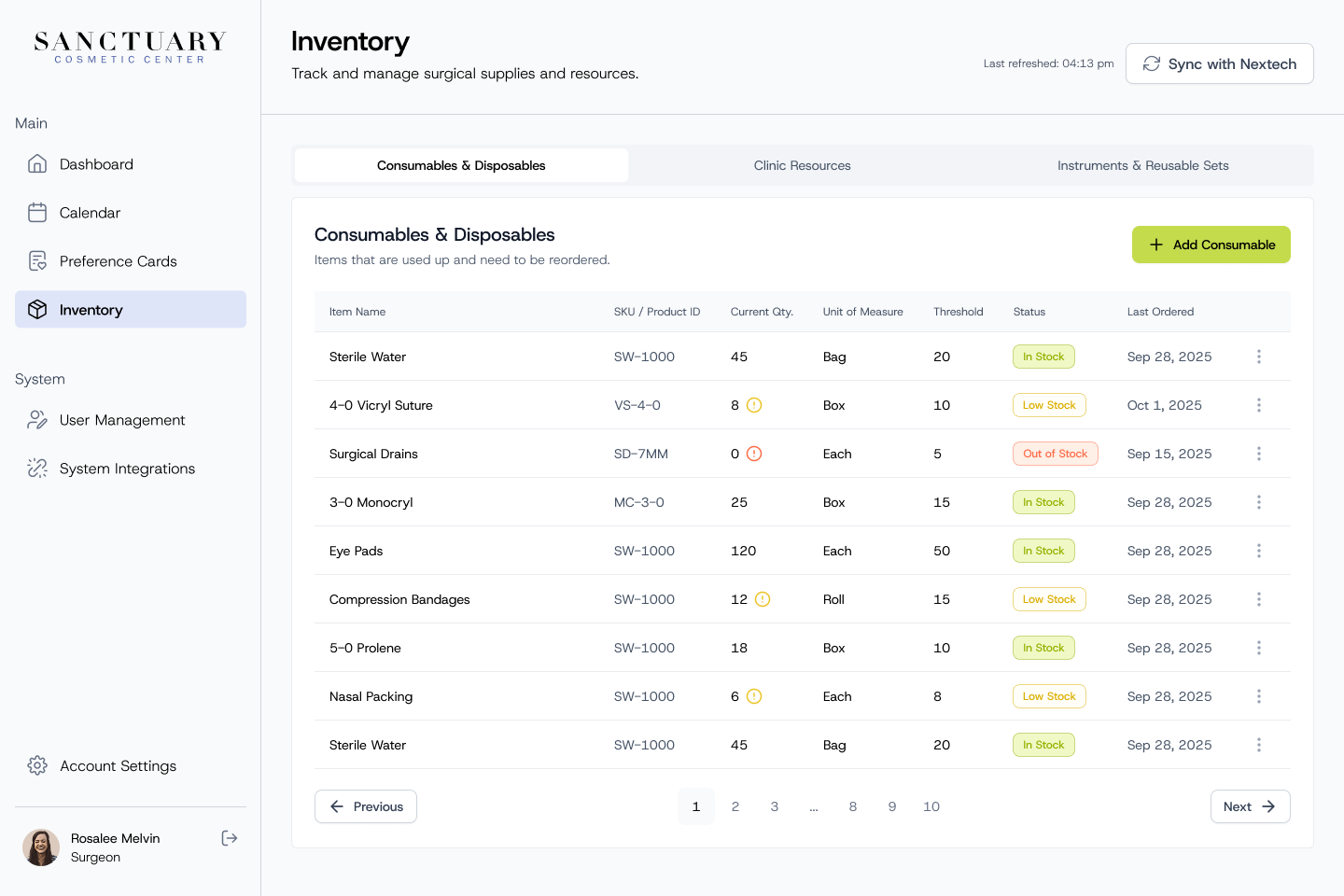
Inventory consumables table with stock quantities, thresholds and in stock, low stock or out of stock status Clinic resources showing the availability of operating rooms, staff members and beds Instruments and reusable sets with their contents and availability status Add Quantity modal previewing the new stock level Message explaining that an item can't be deleted because it is used in two surgical cases

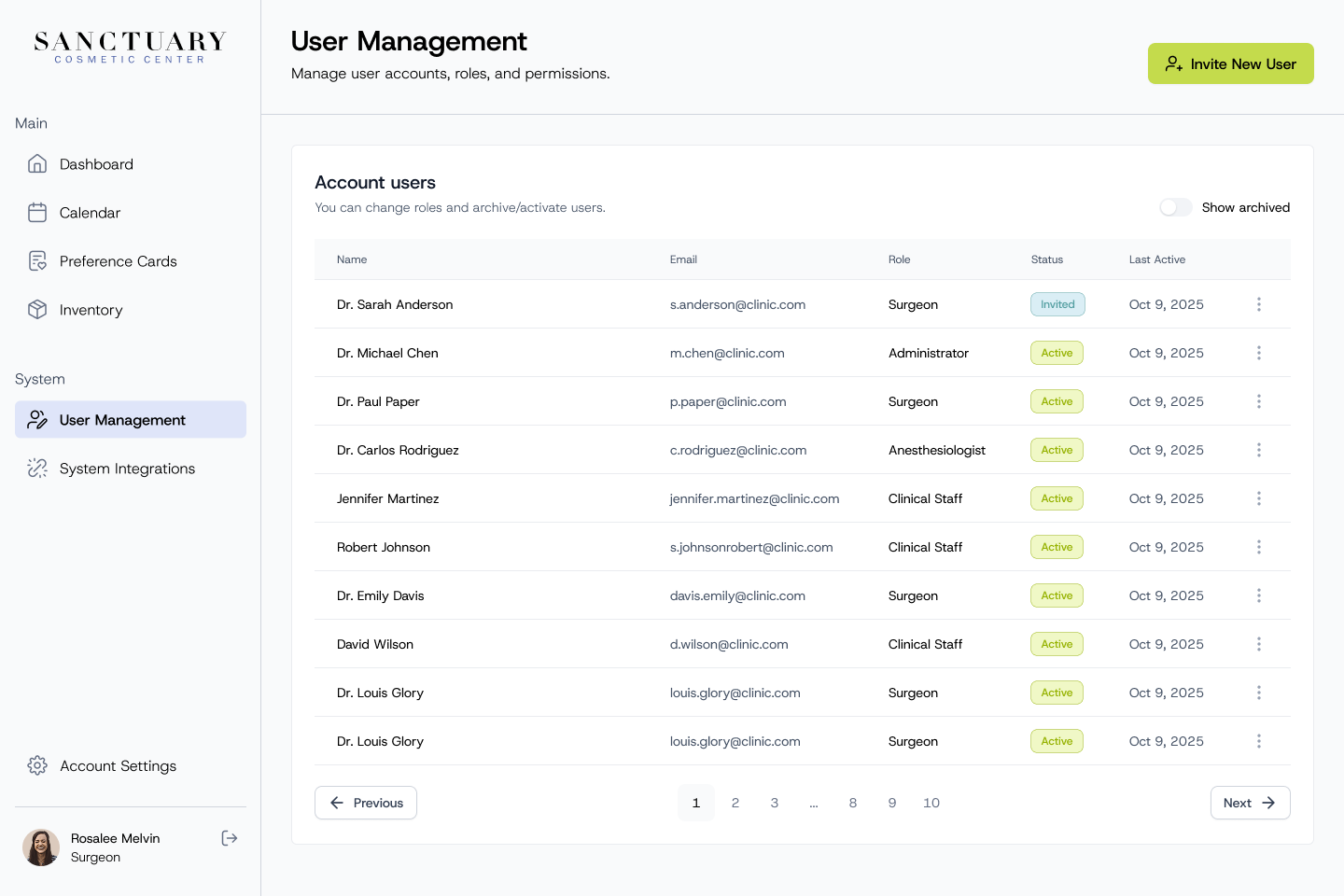
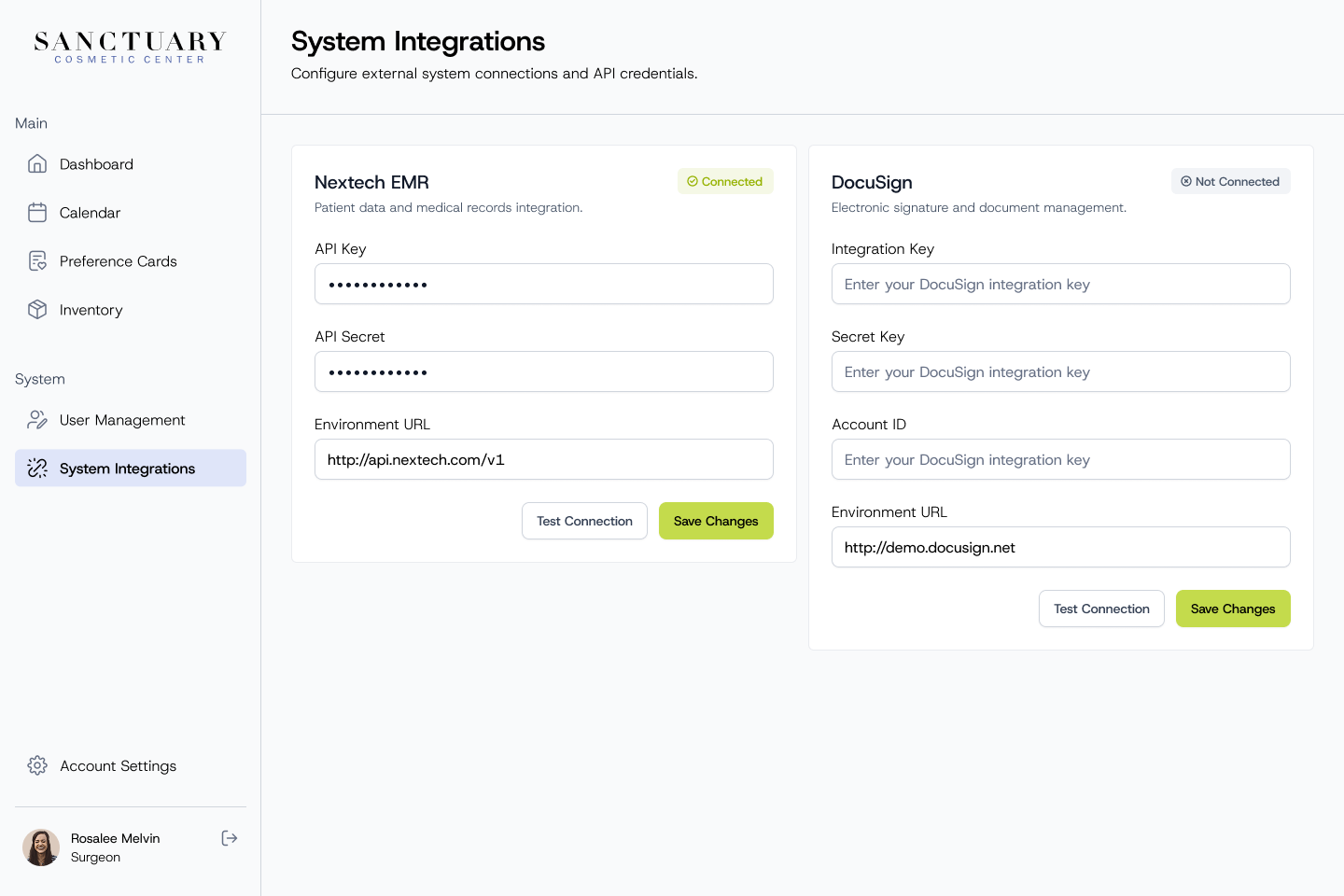
Admin and access

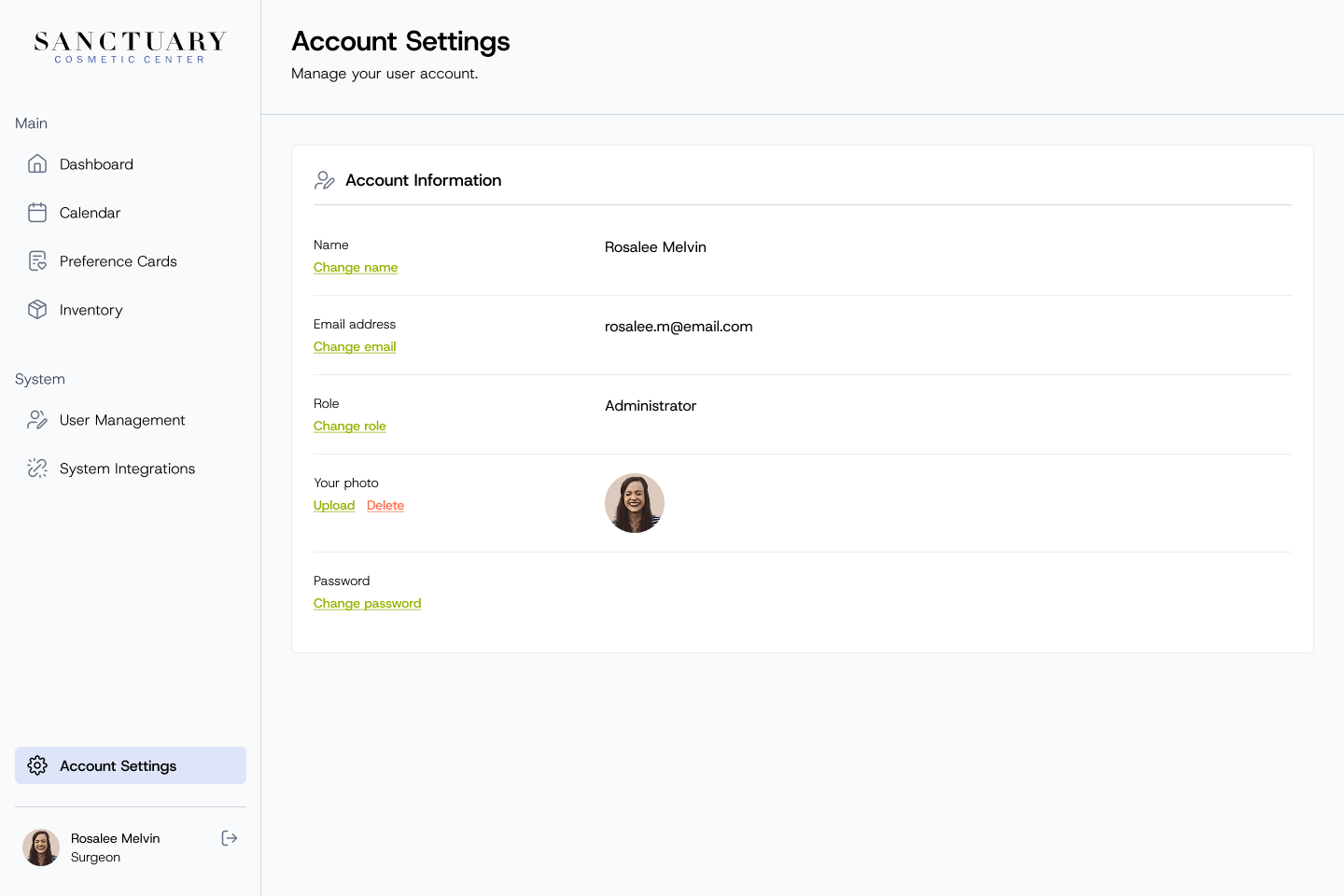
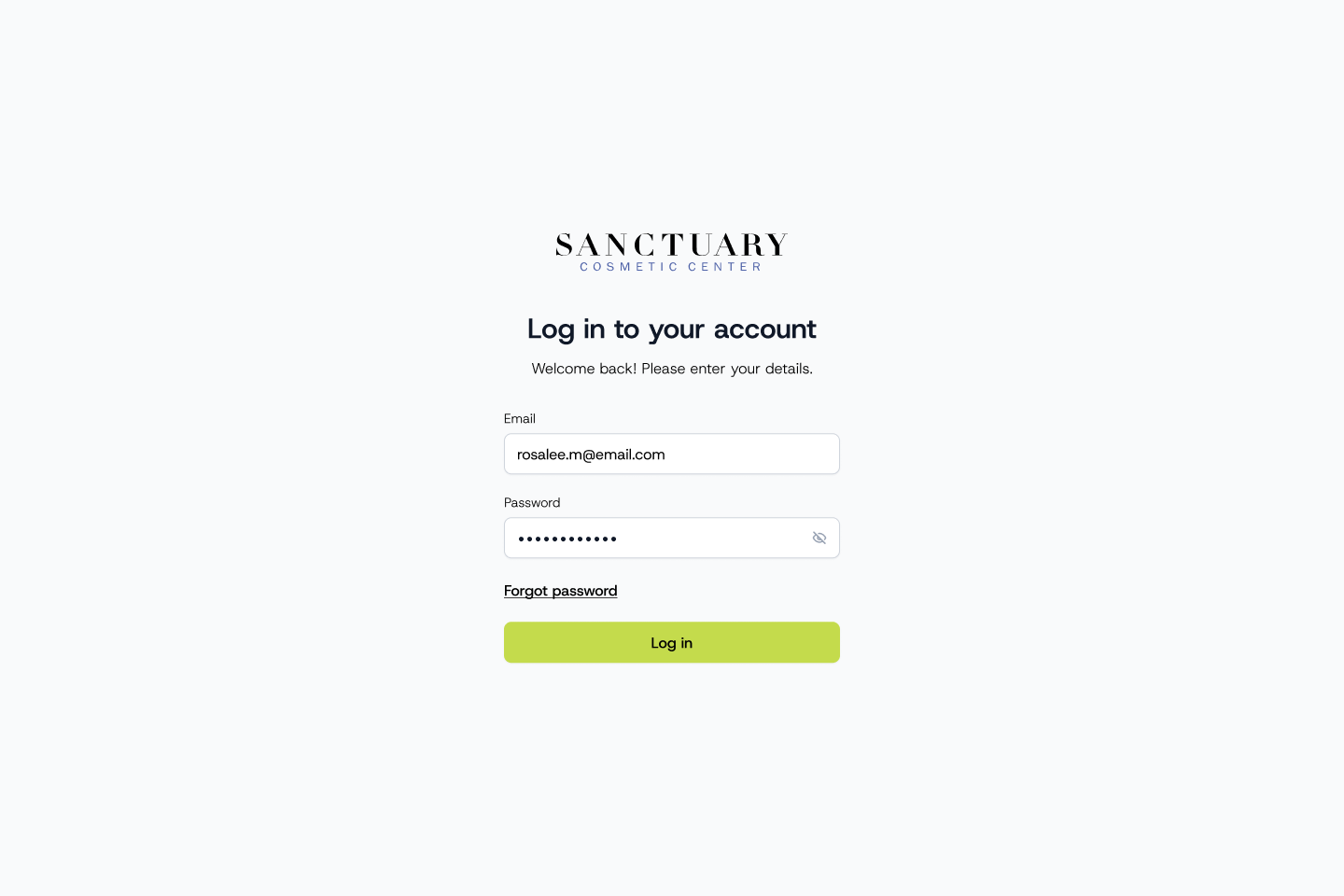
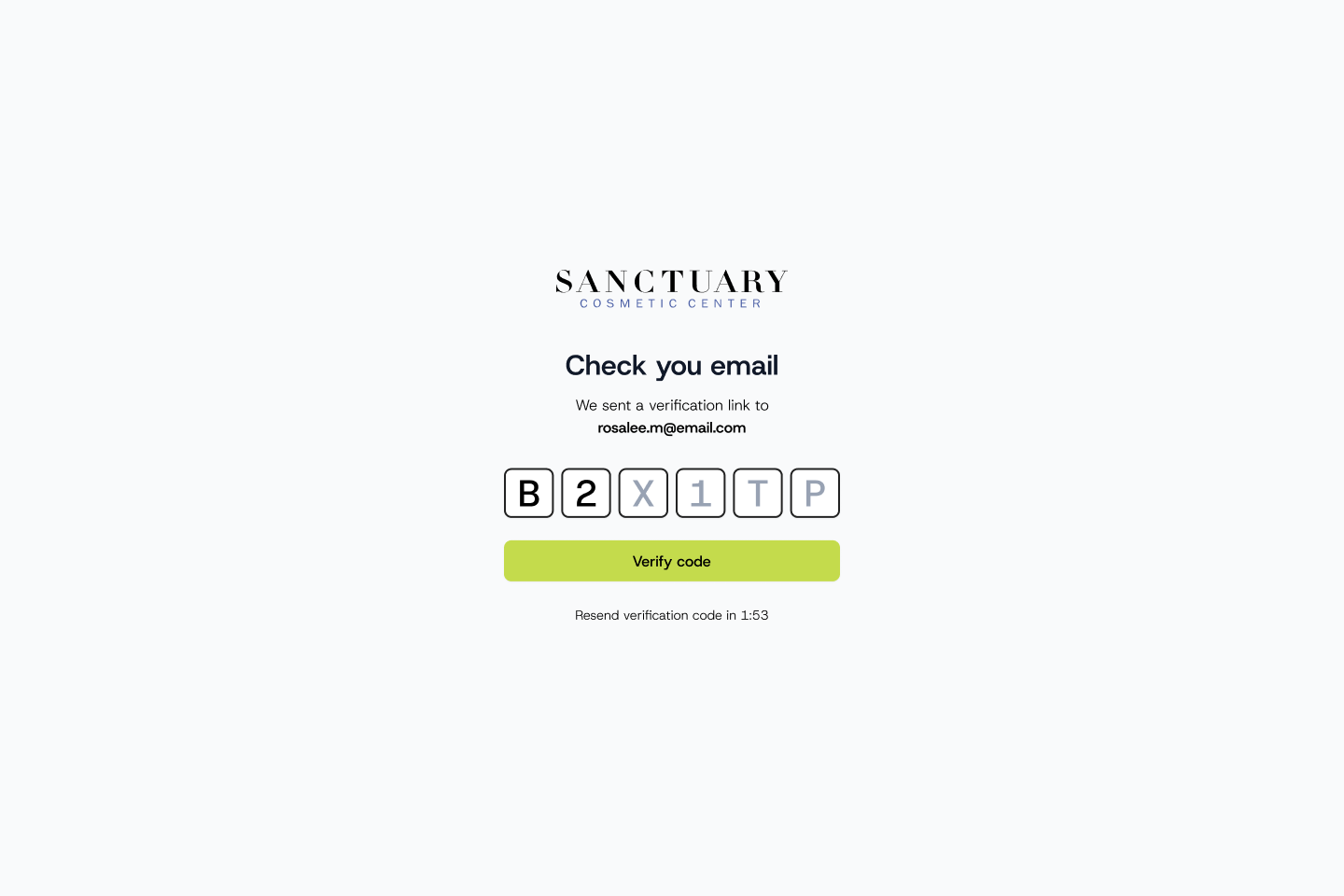
User management table with names, emails, roles and status System integrations for Nextech EMR and DocuSign Account settings with name, email, role, photo and password Sanctuary log in screen with email and password filled in Email verification code screen

Outcome

I delivered the UI for the full product, from the dashboard and scheduling flows to case files, preference cards, inventory and admin, and the app was developed from these designs. Scheduling, patient information and inventory now live in one tool, and the team can see which surgeries need attention before the day of the procedure.